Learn how to draw - ArtWorkout
Top Games







Game Screenshots

Game Introduction
🏆 Expert Verdict & Overview
Learn how to draw - ArtWorkout positions itself as a premier digital tutor in the crowded Art & Design landscape. By merging the structured discipline of art school with the addictive loops of modern gamification, the app successfully lowers the barrier to entry for aspiring creators. Unlike traditional drawing apps that provide a blank canvas and leave the user to their own devices, ArtWorkout takes a proactive instructional role. Its authoritative stance is backed by a proprietary algorithm that critiques user input, making it a standout choice for those seeking quantifiable improvement in their technical skills rather than just a digital medium to doodle in.
🔍 Key Features Breakdown
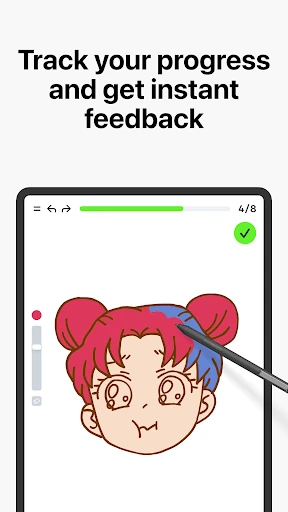
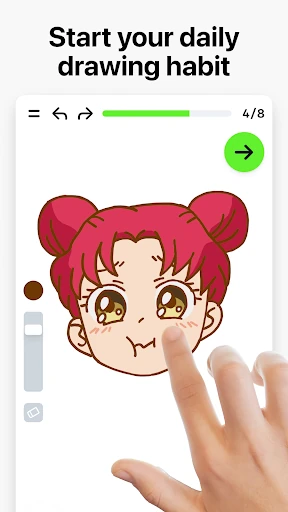
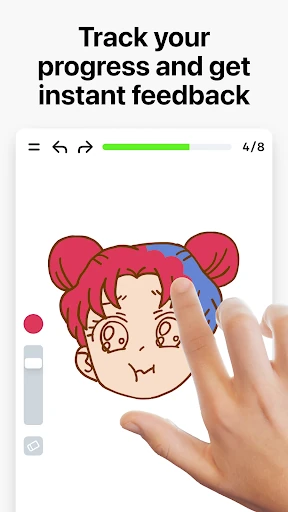
- Stroke Accuracy & Quality Analysis: Unlike passive drawing apps, this feature provides a real-time feedback loop by measuring the precision and cleanliness of every line, helping users develop muscle memory and steady hand control.
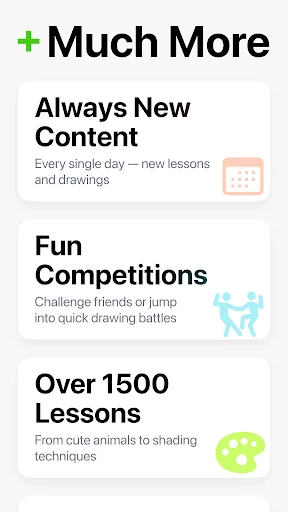
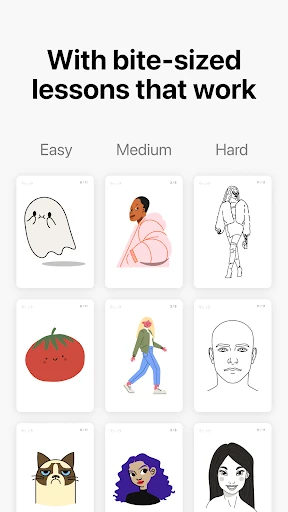
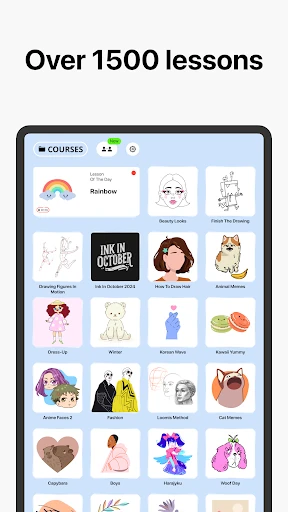
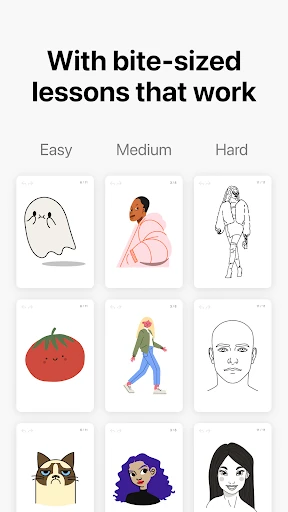
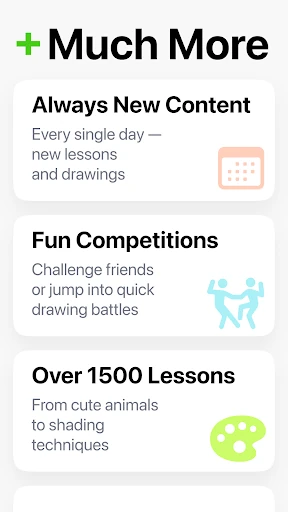
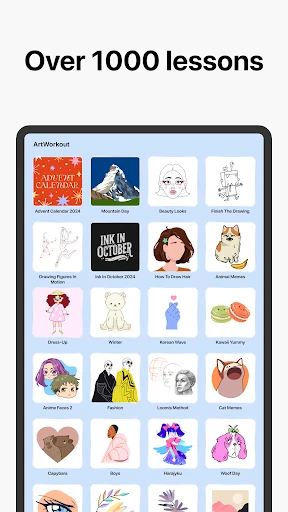
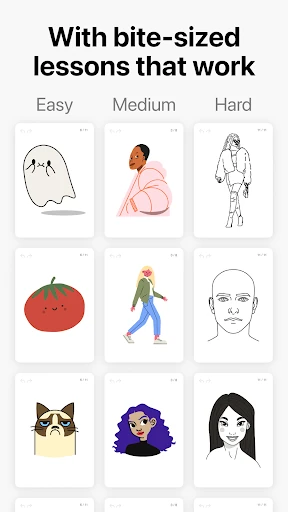
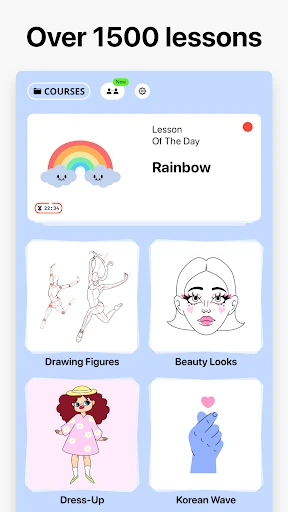
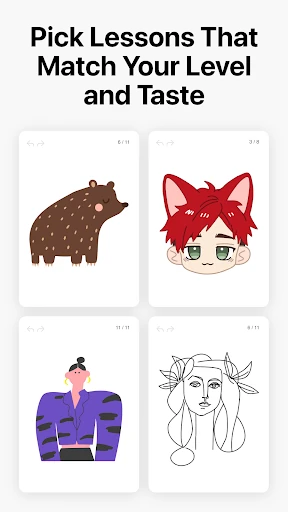
- 2500+ Progressive Tutorials: The massive library of bite-sized lessons solves the "blank page syndrome" by breaking complex compositions into 10-30 manageable steps, ensuring users never feel overwhelmed.
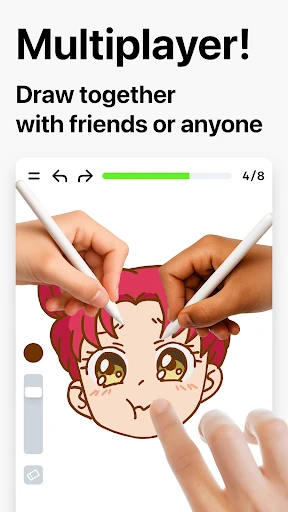
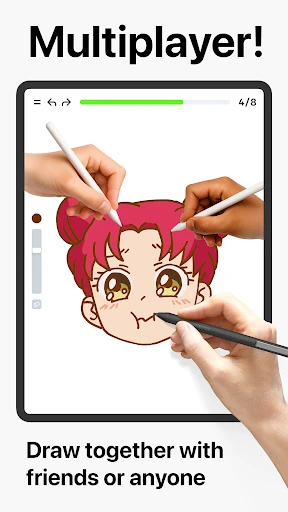
- Real-Time Multiplayer Mode: This addresses the isolation often felt in digital learning by allowing users to trace and draw together, fostering a sense of community and healthy competition.
- Dynamic Scoring System: By gamifying the learning process with a score-based progress tracker, the app converts subjective artistic growth into objective data, which significantly boosts user retention and motivation.
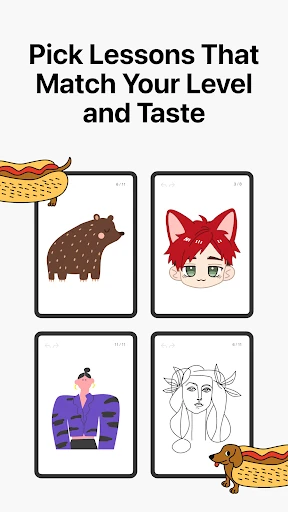
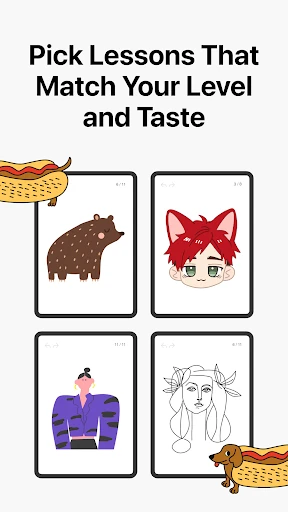
- Diverse Curriculums: Covering everything from doodling to formal handwriting and sketching, the app solves the problem of narrow focus, making it a versatile tool for various creative disciplines.
🎨 User Experience & Design
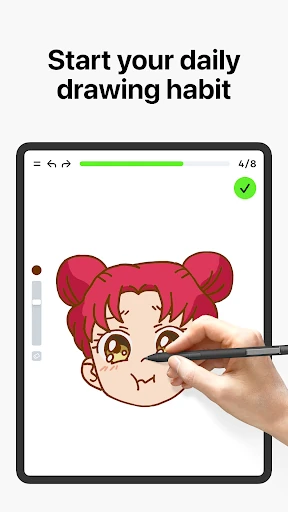
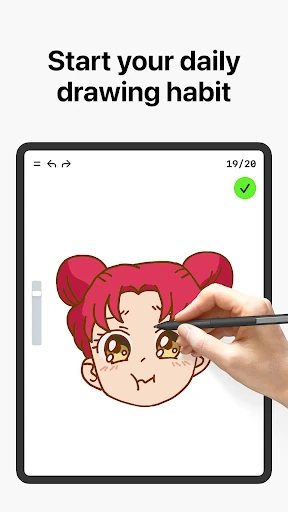
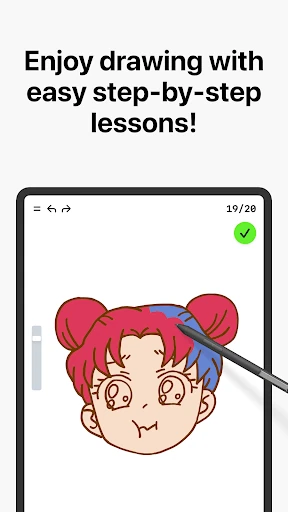
The UI of ArtWorkout is intentionally streamlined to keep the focus on the drawing surface. Following the best practices of the Art & Design category, the interface minimizes distractions, utilizing a clean, minimalist aesthetic that feels professional yet approachable. The UX is centered around "bite-sized" interactions, recognizing that modern learners prefer short, high-impact sessions over long, grueling lectures. The transition from tutorial to active drawing is seamless, and the "trace-and-learn" mechanic is implemented with high responsiveness, ensuring that the technology never gets in the way of the creative process.
⚖️ Pros & Cons Analysis
- ✅ The Good: The unique algorithm that evaluates stroke quality provides a level of professional critique rarely seen in mobile applications.
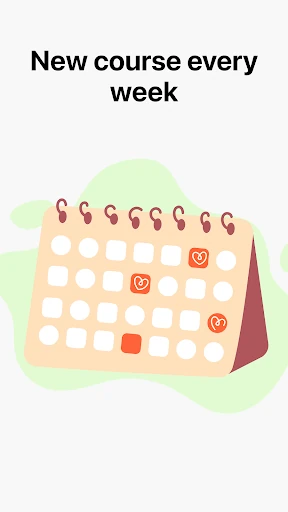
- ✅ The Good: An exceptionally high volume of content with weekly updates ensures the platform remains fresh and relevant to global trends.
- ❌ The Bad: The heavy reliance on tracing may lead some beginners to struggle when transitioning to a completely blank canvas without guides.
- ❌ The Bad: The scoring system, while motivational, may occasionally feel punishing for users with lower-end hardware or less responsive styluses.
🛠️ Room for Improvement
To further solidify its position as a market leader, ArtWorkout could benefit from a dedicated "Theory Hub" that explains the 'why' behind the 'how,' such as deeper dives into color theory or anatomy. Additionally, implementing advanced calibration settings for various stylus types would help ensure that the stroke quality analysis remains fair across different hardware specifications. Finally, adding a "Freehand Mode" challenge at the end of each tracing tutorial would help bridge the gap between guided practice and independent creation.
🏁 Final Conclusion & Recommendation
Learn how to draw - ArtWorkout is an ideal solution for hobbyists, students, and even professional artists looking for a structured daily "warm-up" routine. It excels in converting the intimidating task of learning to draw into a series of achievable, fun, and measurable milestones. We highly recommend this app for parents looking for educational content for children and for adults who have always wanted to learn to draw but didn't know where to start. It is a comprehensive, tech-forward mentor in your pocket.
You May Also Like