Dropbox: Secure Cloud Storage
Top Games












Game Screenshots
Game Introduction
🏆 Expert Verdict & Overview
Dropbox: Secure Cloud Storage stands as a titan in the Productivity sector, maintaining its reputation through a relentless focus on file synchronization and data integrity. While the market has grown increasingly crowded, Dropbox distinguishes itself by offering a refined, cross-platform experience that bridges the gap between personal file management and professional collaboration. It is a mature ecosystem that prioritizes reliability for over 700 million users worldwide, fitting into the landscape as the gold standard for seamless, "set-it-and-forget-it" file synchronization.
🔍 Key Features Breakdown
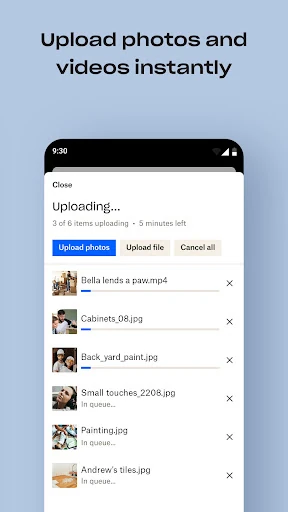
- Automated Camera Uploads: Streamlines photo management by instantly backing up visual media to the cloud, ensuring memories are preserved and accessible across all devices without manual intervention.
- Universal File Previewing: Supports over 175 file types without requiring specialized software, facilitating efficient workflows for users dealing with diverse media formats from CAD files to high-resolution videos.
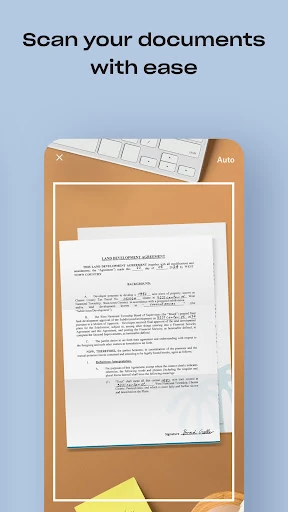
- Advanced Document Scanning: Transforms physical receipts, IDs, and notes into high-quality PDFs using the mobile camera, acting as a powerful mobile-to-digital bridge for paperless productivity.
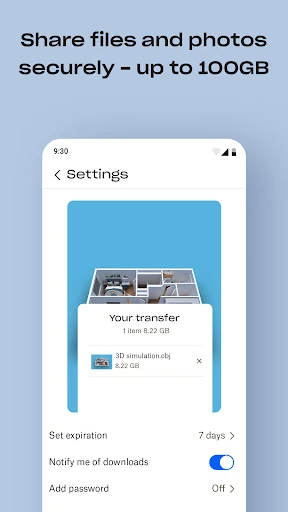
- Efficient Large-File Sharing: Enables the distribution of massive files via simple links, removing the friction of email attachment limits even for recipients who do not possess a Dropbox account.
- Comprehensive Version History: Provides a robust safety net through file recovery and "Dropbox Rewind," allowing users to revert changes and protect against accidental deletions or data loss for up to 30 days.
🎨 User Experience & Design
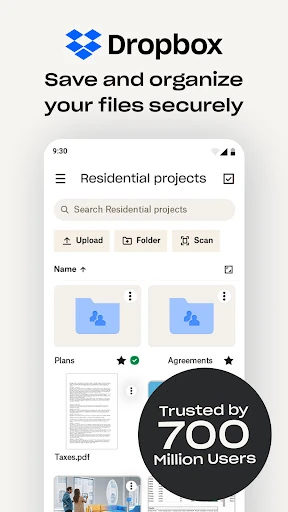
The UI of Dropbox is a masterclass in minimalist utility. Adhering to modern productivity standards, the interface utilizes a clean, white-space-driven design that reduces cognitive load and keeps the focus on file organization. Navigation is highly intuitive, relying on a familiar folder hierarchy that requires zero learning curve for new users. On mobile, the UX is optimized for quick actions, such as one-tap scanning or file uploading, while the desktop synchronization remains one of the most stable in the industry, operating quietly in the background with minimal system impact.
⚖️ Pros & Cons Analysis
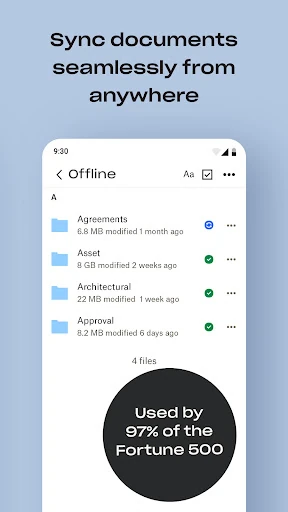
- ✅ The Good: Exceptional cross-platform synchronization speed that remains more reliable than most native OS cloud solutions.
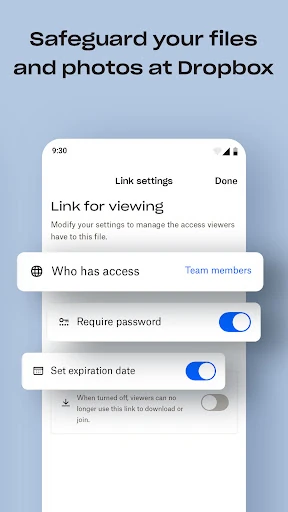
- ✅ The Good: Enterprise-grade security protocols and private "Vault" features that provide peace of mind for sensitive personal and professional data.
- ❌ The Bad: The free storage tier is notably restrictive at only 2 GB, which is significantly lower than the baseline offered by direct competitors.
- ❌ The Bad: The pricing structure lacks a middle-ground "Lite" plan, forcing users to jump from free to a 2 TB paid tier.
🛠️ Room for Improvement
To maintain its competitive edge, Dropbox should consider implementing a more generous entry-level storage tier to attract casual users who find 2 GB insufficient. Furthermore, while the addition of Dropbox Passwords and Vault is beneficial, these features currently feel like siloed experiences; a more cohesive integration within the primary file navigation would enhance the "all-in-one" platform feel. Native document editing capabilities could also be expanded to reduce the need to jump to external apps for minor file tweaks.
🏁 Final Conclusion & Recommendation
Dropbox: Secure Cloud Storage is the definitive choice for power users, creative professionals, and small teams who require absolute certainty that their files are synced and secure. It is a premium tool for those who prioritize a distraction-free environment and robust data recovery options. While casual users might be deterred by the pricing, it remains the top recommendation for anyone whose workflow demands a reliable, high-performance digital vault.
You May Also Like