
Microsoft Word: Edit Documents
Top Games












Game Screenshots
Game Introduction
🏆 Expert Verdict & Overview
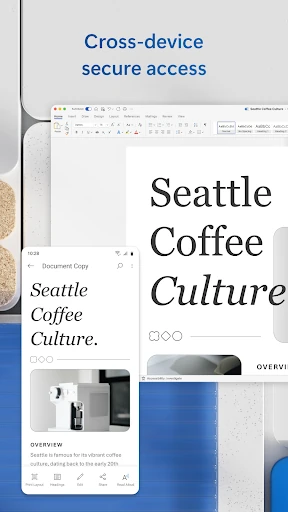
Microsoft Word: Edit Documents stands as the definitive benchmark in the mobile Productivity landscape. Far from being a stripped-down version of its desktop counterpart, the app provides a sophisticated, feature-rich environment that empowers users to transition seamlessly between devices. In an era where mobile-first workflows are becoming the norm, Word offers the reliability of the Microsoft 365 ecosystem with the agility required for on-the-go editing, making it an essential tool for professionals and students alike.
🔍 Key Features Breakdown
- Comprehensive Template Gallery: Provides professionally designed layouts for resumes, cover letters, and brochures, allowing users to create high-quality documents instantly without starting from scratch.
- Integrated PDF Converter: Enables seamless conversion between Word and PDF formats, solving the common problem of document portability and ensuring files can be shared and viewed across any platform.
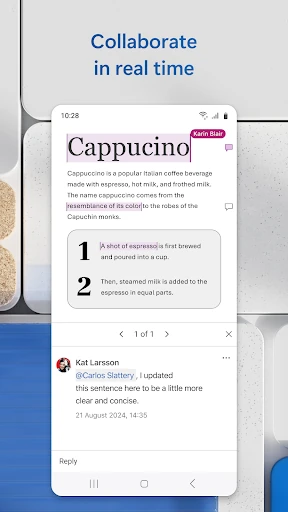
- Real-Time Collaboration Tools: Features a robust commenting system and editor history, allowing teams to collaborate on projects, track changes, and revert to earlier drafts without the need for back-and-forth emails.
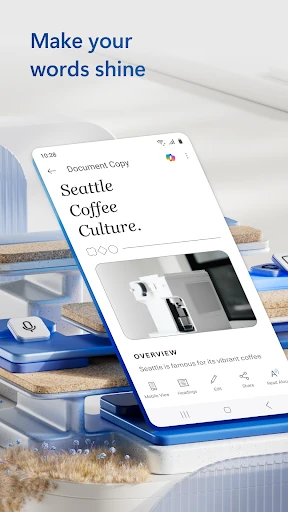
- Mobile-Optimized Reading View: Adapts the document layout to fit mobile screens perfectly, making it easier to consume long-form content, scripts, or letters without constant horizontal scrolling.
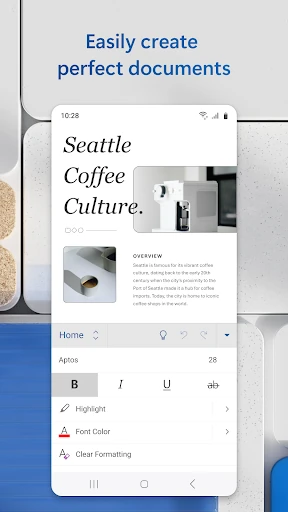
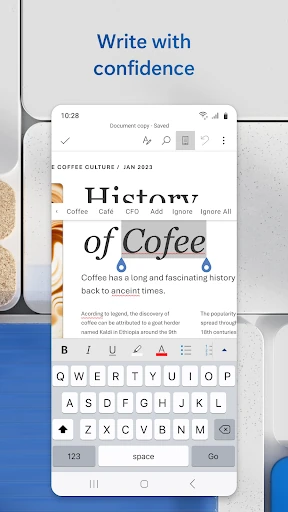
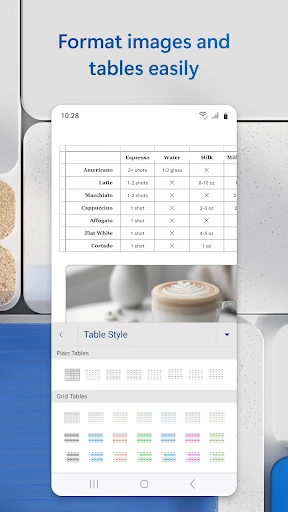
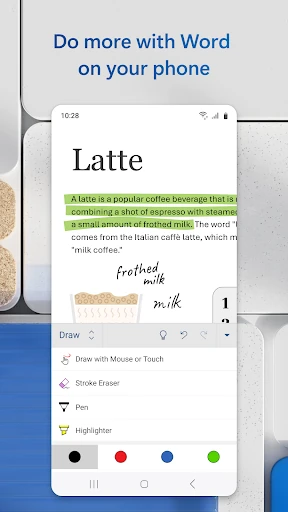
- Rich Formatting & Layout Engine: Maintains the integrity of complex documents, ensuring that fonts, tables, and images appear exactly as they would on a PC.
🎨 User Experience & Design
The UI of Microsoft Word: Edit Documents is a masterclass in functional design for the Productivity category. It successfully translates the "Ribbon" interface of the desktop version into a touch-friendly mobile experience. The navigation is intuitive, utilizing collapsible menus to maximize screen real estate. For UX, the app excels by offering a familiar environment for existing Word users while implementing mobile-specific gestures. The transition from "Edit" to "Reading View" is smooth, catering to the dual nature of mobile devices as both creation and consumption tools. While the density of features can occasionally feel overwhelming on smaller screens, the overall design remains clean and professional.
⚖️ Pros & Cons Analysis
- ✅ The Good: Industry-leading document compatibility that preserves formatting across all platforms.
- ✅ The Good: Seamless integration with OneDrive and other cloud services for instant file access and auto-saving.
- ❌ The Bad: Significant features and editing capabilities are locked behind a subscription for devices with screens larger than 10.1 inches.
- ❌ The Bad: High resource consumption; requires at least 1 GB of RAM and can be taxing on older hardware.
🛠️ Room for Improvement
While the app is highly polished, the offline experience could be further streamlined to ensure that file synchronization remains flawless in low-connectivity environments. Additionally, the interface could benefit from a "Lightweight Mode" for budget devices that struggle with the current RAM requirements. Expanding the free tier functionality for larger tablets would also improve user sentiment among the "Prosumer" demographic who use mobile devices as their primary workstations.
🏁 Final Conclusion & Recommendation
Microsoft Word: Edit Documents is the must-have application for anyone—from journalists and bloggers to project managers—who requires serious document processing on the move. It is specifically recommended for users already invested in the Microsoft 365 ecosystem or those who need to maintain strict formatting standards when collaborating with PC users. For high-stakes professional work, there is simply no better alternative in the Google Play Store.
You May Also Like