
Groovepad - Music Maker
Top Games











Game Screenshots
Game Introduction
🏆 Expert Verdict & Overview
Groovepad - Music Maker establishes itself as a premier entry-level beat production tool within the competitive Music & Audio landscape. By simplifying complex music theory into an intuitive pad-based interface, it empowers both novices and aspiring DJs to produce studio-quality sounds. The app successfully balances entertainment with utility, positioning itself as a high-tier creative suite for mobile users who want to explore electronic music production without a steep learning curve.
🔍 Key Features Breakdown
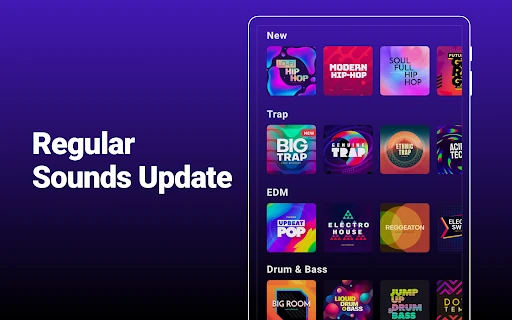
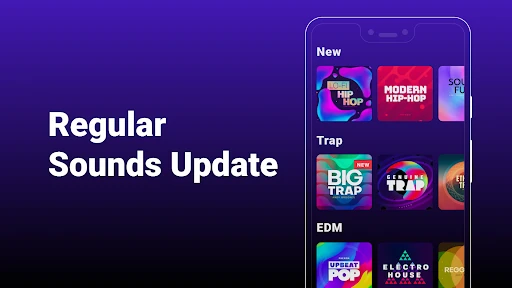
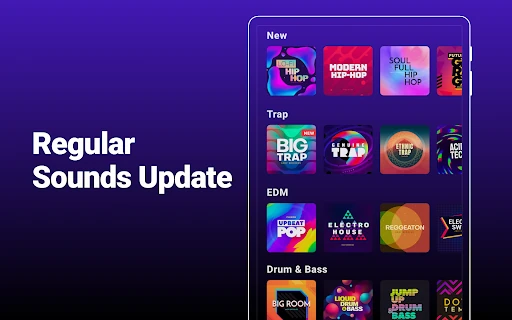
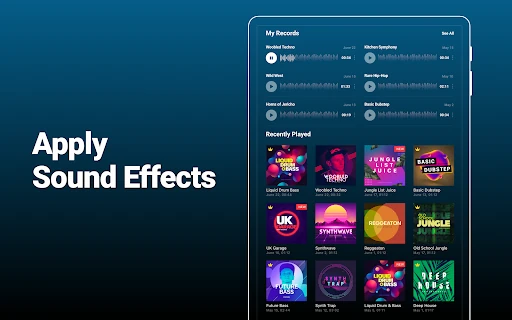
- Extensive Sound Library: Provides a massive range of professional samples across genres like Hip-hop, EDM, and Trap, solving the problem of sourcing high-quality, royalty-free loops for beginners.
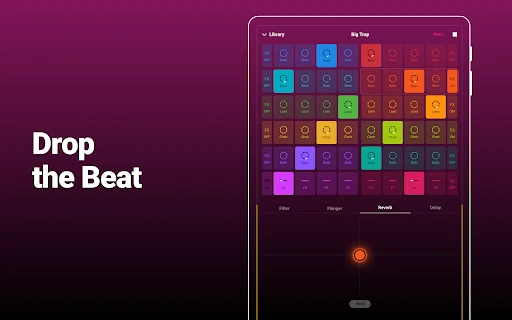
- Live Loops: Allows users to trigger multiple sounds simultaneously while maintaining perfect synchronization, solving the technical challenge of beat-matching and timing.
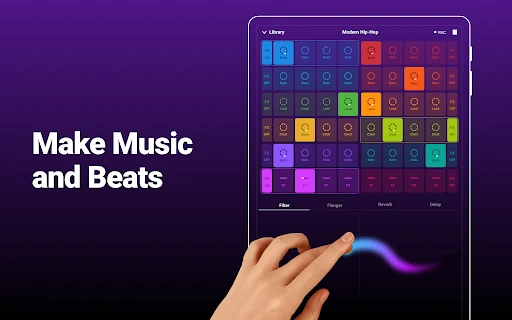
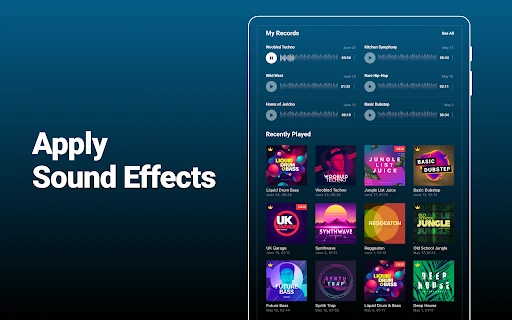
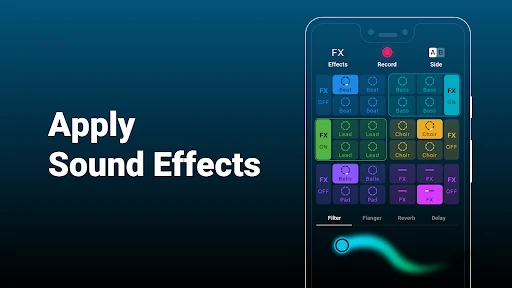
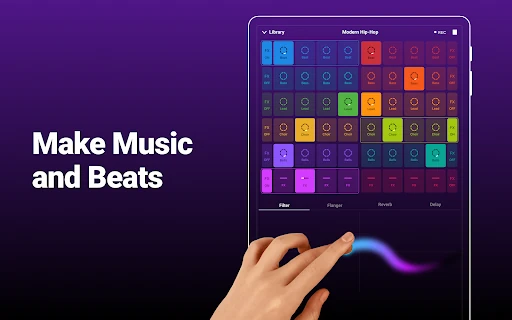
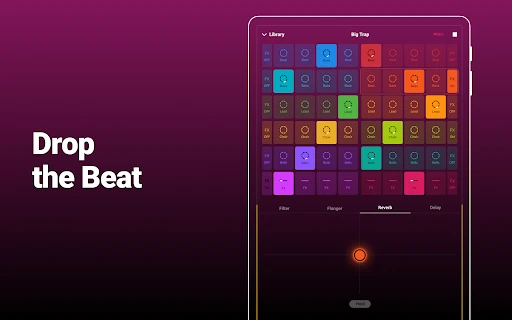
- Professional FX Suite: Includes real-time effects such as filters, flanger, and reverb, enabling users to add depth and "life" to their tracks that would otherwise sound static.
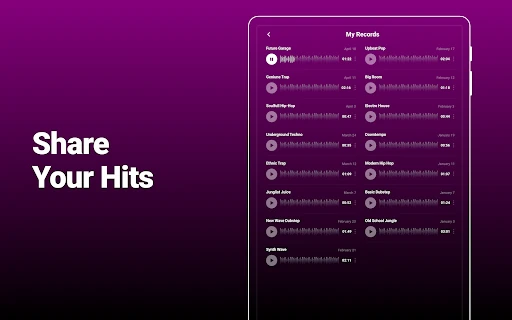
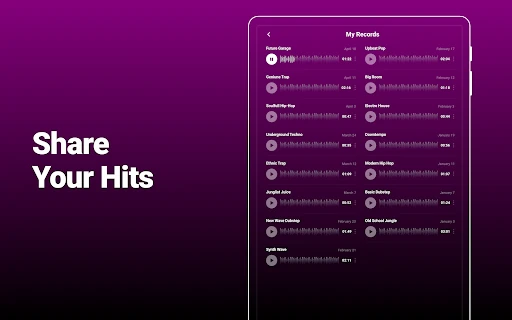
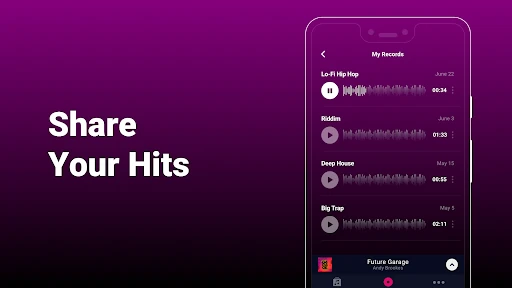
- Social Sharing Integration: Offers seamless export and sharing options, addressing the need for creators to showcase their work and build an audience directly from their device.
🎨 User Experience & Design
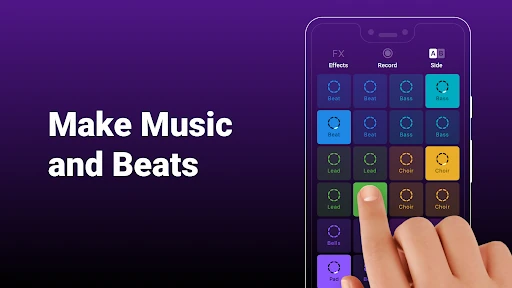
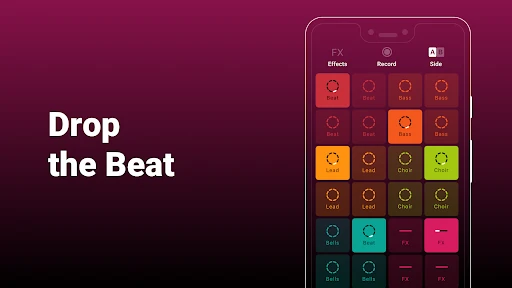
The UI of Groovepad is built around a clean, color-coded grid system that adheres to modern Music & Audio design standards. Each pad provides immediate visual and haptic feedback, which is essential for low-latency performance. The user experience is streamlined to minimize friction; users can transition from selecting a genre to recording a track in seconds. While the interface is dense, the logical grouping of sounds prevents the screen from feeling cluttered, making it accessible even on smaller mobile displays.
⚖️ Pros & Cons Analysis
- ✅ The Good: Exceptionally shallow learning curve that allows non-musicians to create professional-sounding loops instantly.
- ✅ The Good: High-fidelity audio engine that ensures samples sound crisp even when multiple FX are applied.
- ❌ The Bad: The presence of frequent advertisements and subscription prompts can disrupt the creative flow during session transitions.
- ❌ The Bad: Limited advanced features for veteran producers, such as MIDI support or deep granular editing of individual samples.
🛠️ Room for Improvement
To further evolve, Groovepad should consider adding a multi-track timeline editor for more precise post-production. Additionally, implementing a way to import custom user samples would bridge the gap between being a soundboard and a true mobile Digital Audio Workstation (DAW). Reducing the frequency of interstitial ads would also significantly improve the retention of casual users.
🏁 Final Conclusion & Recommendation
Groovepad - Music Maker is the ideal choice for hobbyists, content creators looking for background music, and music enthusiasts who want to experiment with DJing. Its accessibility makes it a standout recommendation for anyone curious about beat-making. While professionals may find it a bit restrictive, it serves as a powerful "sketchpad" for musical ideas on the go.
You May Also Like