YouTube Studio
Top Games











Game Screenshots

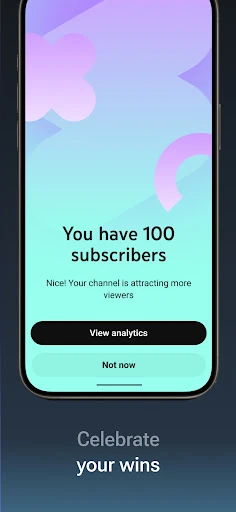
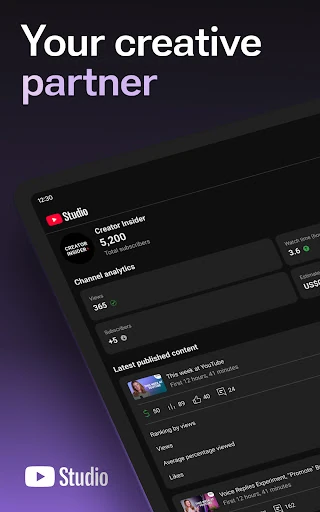
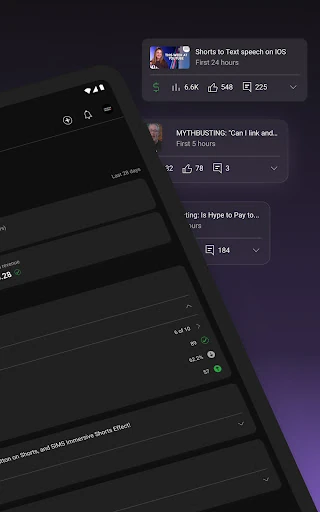
Game Introduction
🏆 Expert Verdict & Overview
YouTube Studio serves as the definitive command center for creators within the Video Players & Editors ecosystem. While many apps in this category focus exclusively on the technical act of editing, YouTube Studio excels at the "post-production" lifecycle—managing community engagement, tracking growth, and optimizing reach. It is an authoritative tool that empowers creators to transition from casual uploaders to data-driven digital entrepreneurs by providing professional-grade insights on a mobile platform.
🔍 Key Features Breakdown
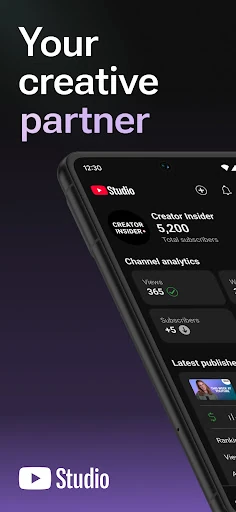
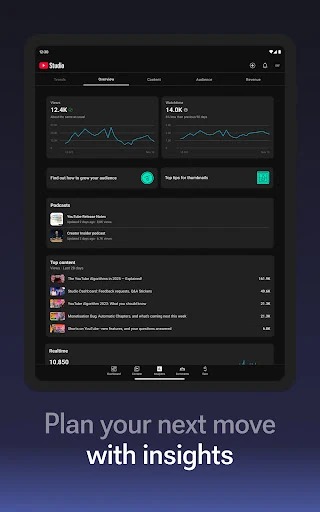
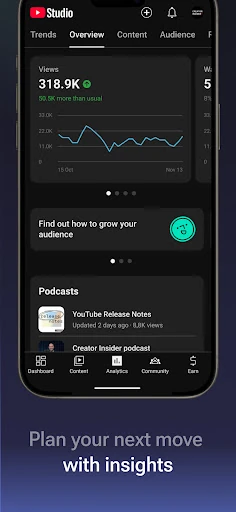
- Comprehensive Channel Dashboard: Provides an immediate snapshot of channel health and recent activity, allowing creators to monitor their performance at a glance without needing a desktop.
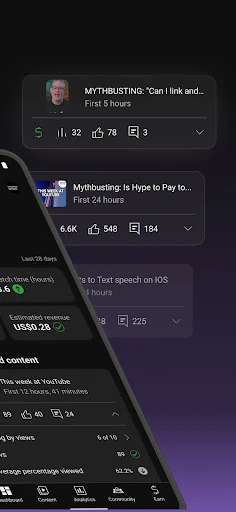
- Granular Analytics Suite: Offers deep-dive data into audience retention, traffic sources, and demographic shifts, which helps creators understand what content resonates and why.
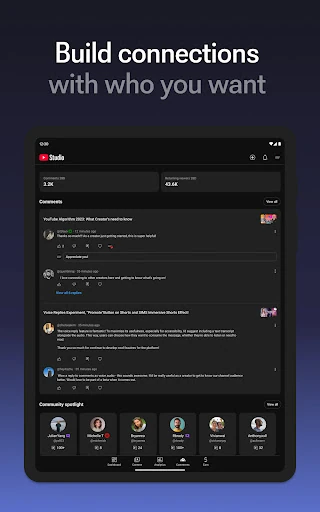
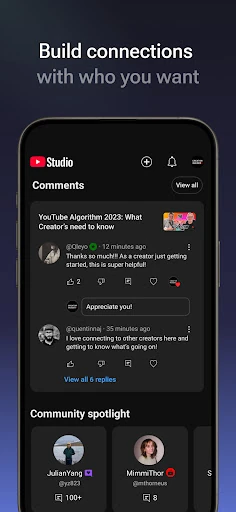
- Smart Community Management: The filtering and sorting tools for comments enable creators to foster deeper audience loyalty by identifying and responding to the most impactful conversations quickly.
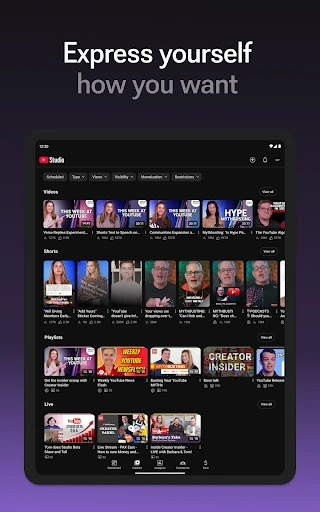
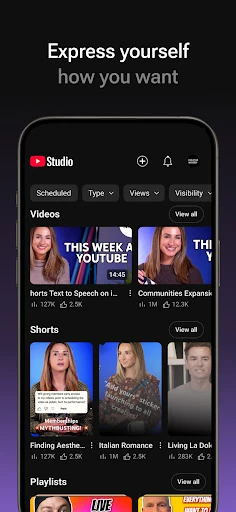
- Dynamic Content Control: Allows for real-time updates to metadata, thumbnails, and visibility settings for Videos, Shorts, and Livestreams, ensuring content remains optimized even after publishing.
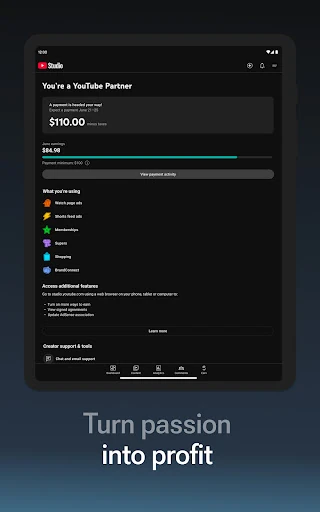
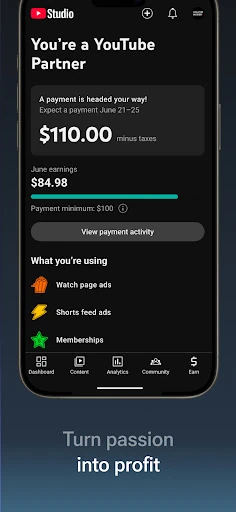
- Monetization Hub: Streamlines the path to revenue by allowing eligible creators to apply for the YouTube Partner Program and manage their earning status directly from the app.
🎨 User Experience & Design
The application employs a sophisticated yet accessible UI that aligns perfectly with modern Material Design principles. Data density is handled masterfully; complex charts and tables are rendered clearly on smaller screens without sacrificing readability or touch-target accuracy. The UX is optimized for "micro-moments"—allowing a creator to moderate a comment or check a stat in seconds—while still providing the depth required for long-form strategic analysis. It sets a high standard for utility-focused apps in the Video Players & Editors category.
⚖️ Pros & Cons Analysis
- ✅ The Good: Real-time synchronization with the desktop Studio version ensures data accuracy and seamless workflow transitions across all devices.
- ✅ The Good: Exceptional comment moderation tools that help creators maintain community standards and engage with fans while on the move.
- ❌ The Bad: Lacks native video editing or trimming features, requiring creators to jump to a separate app for even minor visual content modifications.
- ❌ The Bad: Certain advanced desktop settings, such as granular end-screen configurations and detailed ad-break placement, are still absent from the mobile interface.
🛠️ Room for Improvement
To further empower mobile-first creators, YouTube Studio should integrate basic "quick-fix" editing tools, such as a cloud-based video trimmer or the ability to update captions and subtitles. Furthermore, introducing a native A/B testing tool for thumbnails within the app would be a transformative update for professional creators looking to optimize their click-through rates in real-time.
🏁 Final Conclusion & Recommendation
YouTube Studio is a mandatory installation for any user serious about building a presence on the world's largest video platform. It is specifically designed for content creators, community managers, and digital marketers who need to stay connected to their audience and data 24/7. Whether you are a budding Shorts creator or a veteran livestreamer, this app provides the essential toolkit needed to manage and scale a modern digital brand efficiently.
You May Also Like