YoWindow Weather and wallpaper
Top Games











Game Screenshots
Game Introduction
🏆 Expert Verdict & Overview
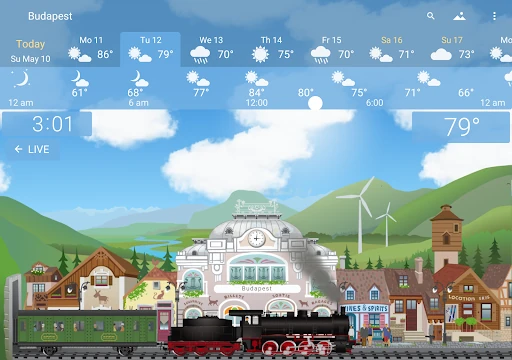
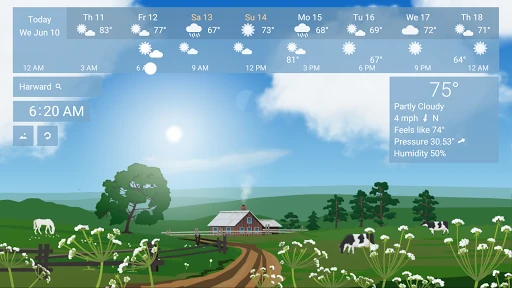
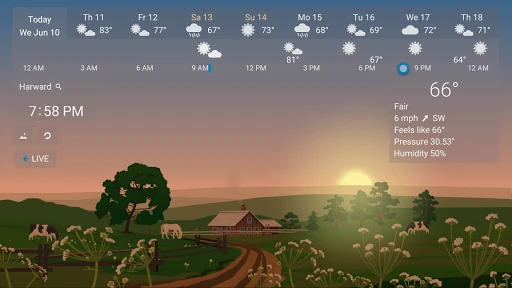
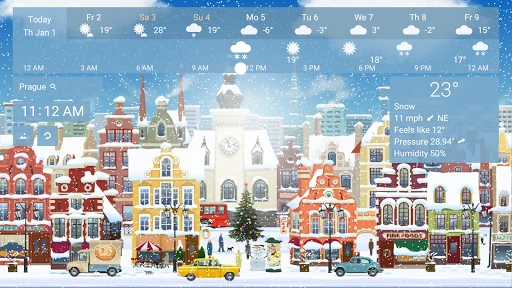
YoWindow Weather and wallpaper represents a significant departure from the traditional, data-heavy approach of modern meteorological applications. By prioritizing visual immersion and "living" landscapes, it transforms weather tracking from a utilitarian chore into an interactive experience. As a seasoned analyst, I find its integration of real-time conditions directly into the user’s Android interface—via live wallpapers and lock screens—to be a masterclass in blending utility with aesthetics. While many competitors focus solely on raw numbers, YoWindow utilizes the "Weather Landscape" concept to provide a visceral sense of the environment, making it a standout choice in a crowded category.
🔍 Key Features Breakdown
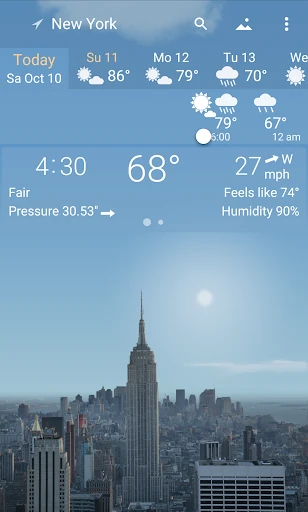
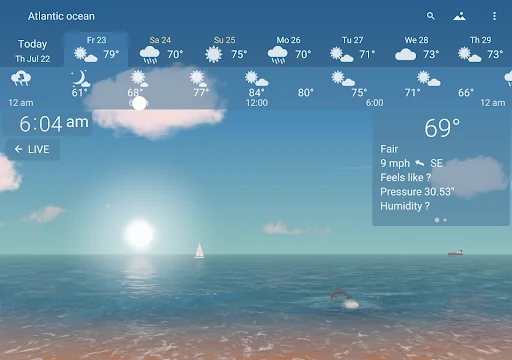
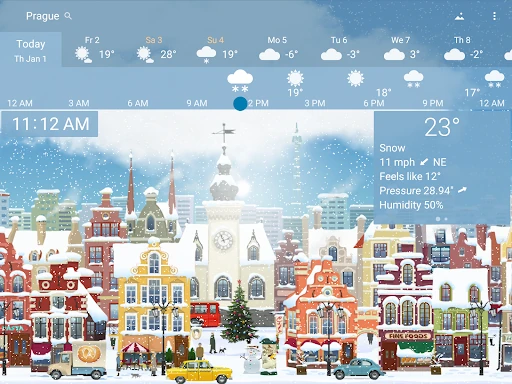
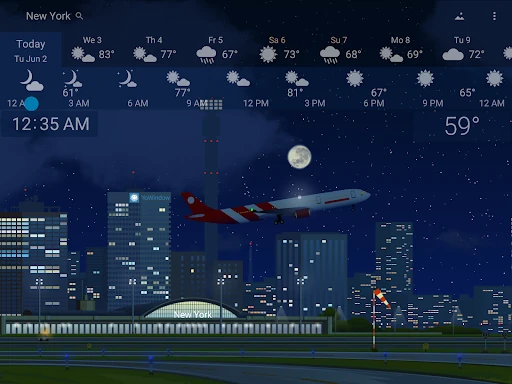
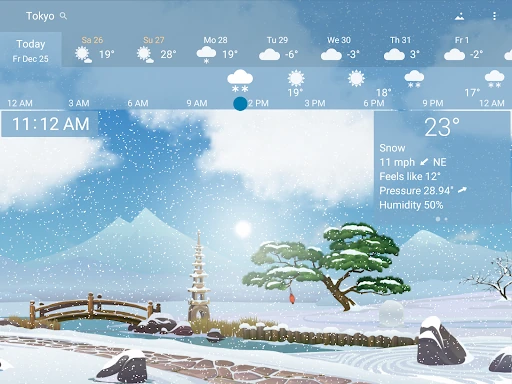
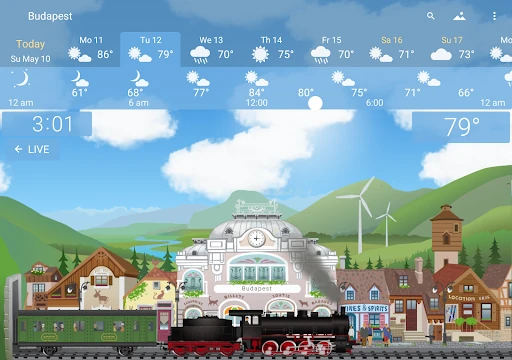
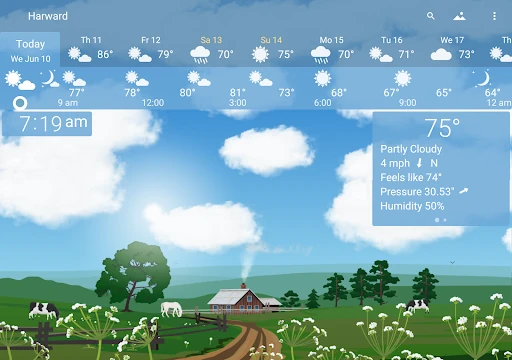
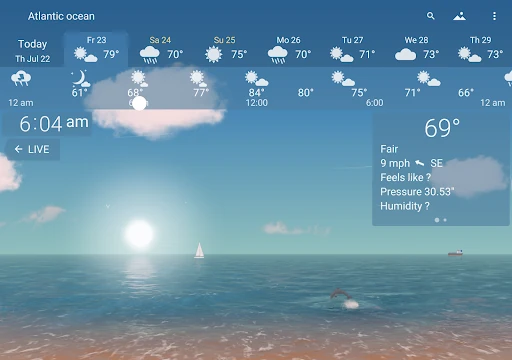
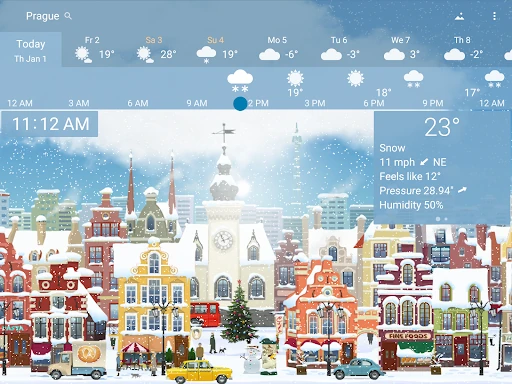
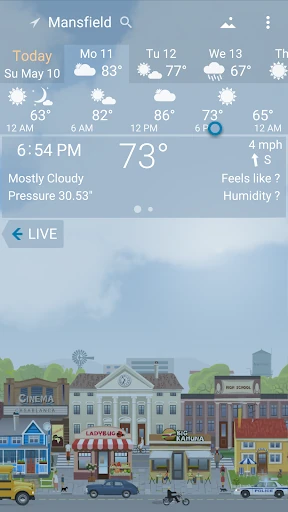
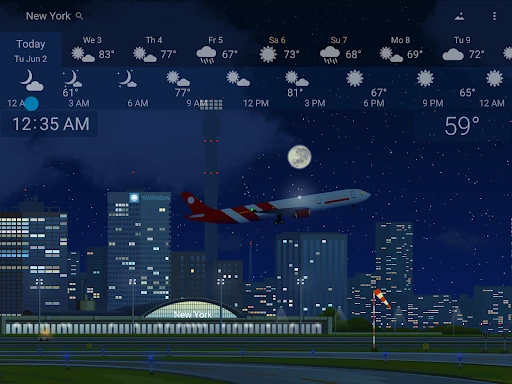
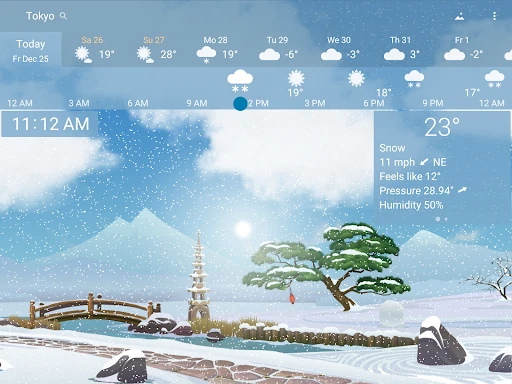
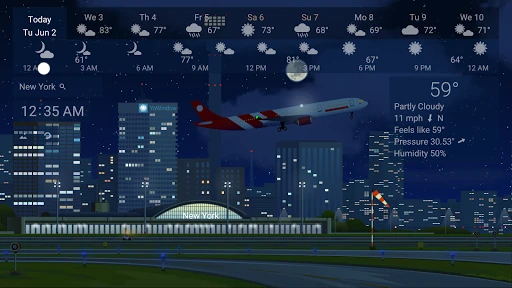
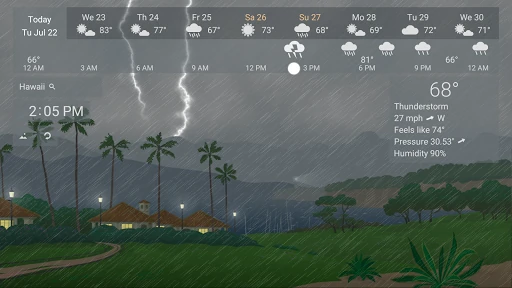
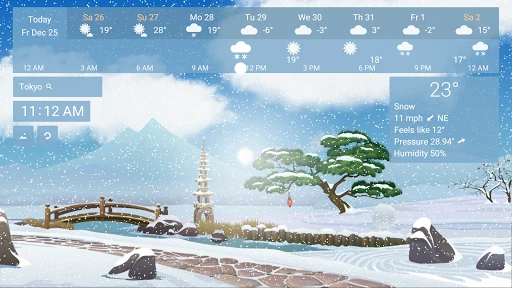
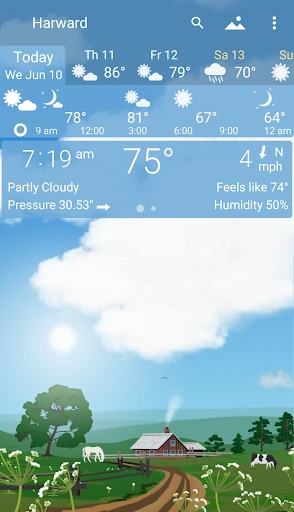
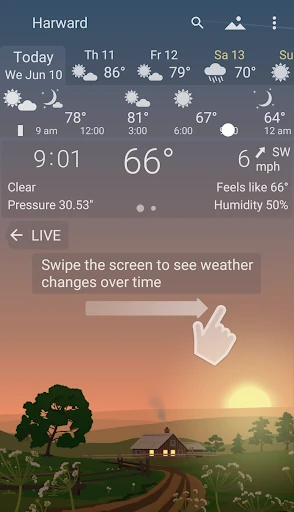
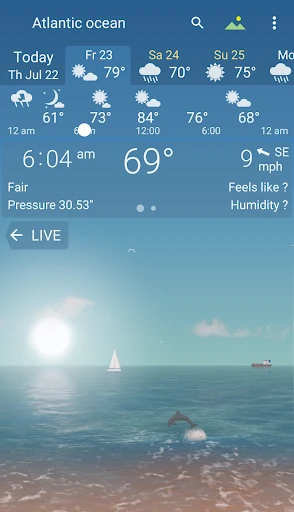
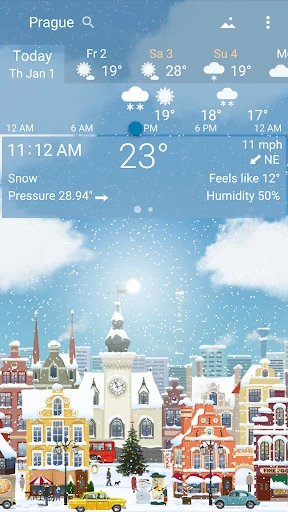
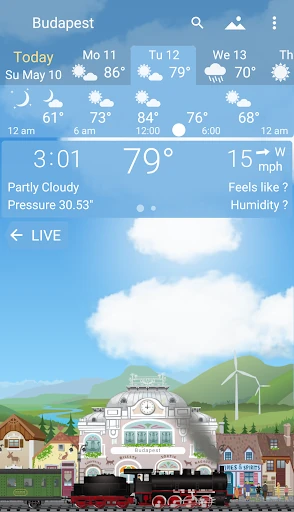
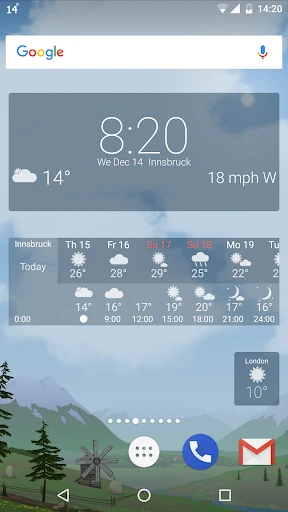
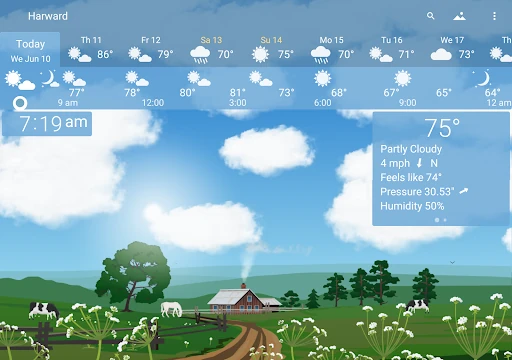
- Living Landscapes: It solves the "abstraction problem" by animating current conditions. Instead of just reading a percentage, users see rain falling, people opening umbrellas, and the sun setting in sync with the real world, providing immediate environmental awareness.
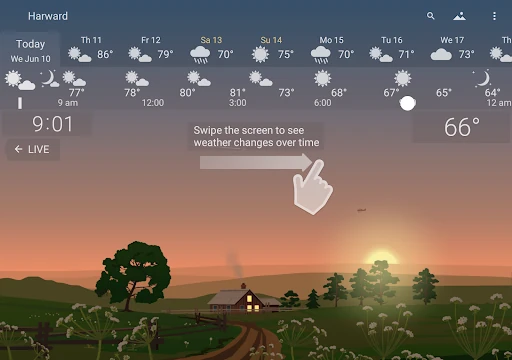
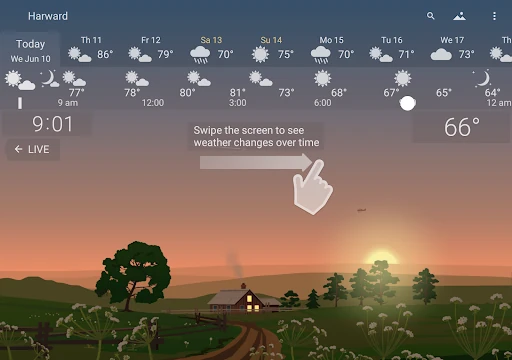
- Time-Scroll Navigation: By sliding a finger across the screen, users can watch the day unfold. This solves the difficulty of visualizing how weather transitions over time, allowing for intuitive planning of outdoor activities.
- Multi-Source Forecast Engine: By aggregating data from high-precision sources like the National Weather Service (NWS), Aeris, and Foreca, it addresses the common user pain point of local forecast inaccuracies.
- Personalized Photo Weather: This feature allows users to upload their own photos—such as the view from their window—and apply YoWindow’s atmospheric effects to them. It solves the desire for a deeply personalized UI.
- Deep System Integration: From temperature in the status bar to "Daydream" screensavers and weather-based alarm clocks, the app ensures the user is informed without ever having to manually open a dedicated interface.
🎨 User Experience & Design
The user experience is built on the principle of "Show, Don't Just Tell." The interface is remarkably clean, deferring most of the screen real estate to high-quality animations and photography. The horizontal swipe gesture to advance time is highly discoverable and responsive, adhering to modern UX standards for mobile interactivity. In terms of design, the app successfully manages to display complex data (UV index, humidity, water temperature) without cluttering the visual field, as the animations provide the primary context while the technical details remain accessible for power users.
⚖️ Pros & Cons Analysis
- ✅ The Good: Exceptional visual fidelity with landscapes that change five times a year to reflect seasonal shifts.
- ✅ The Good: Versatile widget options that allow for massive customization on the Android home screen.
- ✅ The Good: Integration of an alarm clock that wakes users up to the actual sounds of the current local weather.
- ❌ The Bad: Animated live wallpapers and constant weather syncing can lead to higher battery consumption on older devices.
- ❌ The Bad: The sheer number of visual elements might feel "gimmicky" to users who prefer minimalist, text-only data displays.
🛠️ Room for Improvement
While the landscapes are state-of-the-art, the "City" and "Village" assets could benefit from more regional variety to better reflect global architecture beyond the standard templates. Additionally, implementing a "Low Power Mode" that scales back animation frame rates when the device battery is below a certain threshold would address the primary concern regarding energy consumption. Finally, expanding the "Photo Weather" feature to include AI-driven landscape recognition could further enhance the realism of user-uploaded images.
🏁 Final Conclusion & Recommendation
YoWindow Weather and wallpaper is the premier choice for users who value aesthetics and "at-a-glance" environmental awareness. It is particularly well-suited for families, photography enthusiasts, and anyone who wants their smartphone to feel more connected to the physical world. While data purists might find the animations unnecessary, the app’s reliance on top-tier providers like the NWS ensures that it doesn't sacrifice accuracy for beauty. It is a highly recommended download for those looking to breathe life into their Android device.
You May Also Like