Advertisement
Themepack - App Icons, Widgets
YoloTech
Play Now
Advertisement
Top Games

Skyscanner Flights Hotels Cars

Mylo Pregnancy & Parenting App

MyFitnessPal: Calorie Counter

Uber Eats: Food and Grocery

Sonic Forces: PvP Battle Race

UNO!™

ClassDojo

Tapas – Comics and Novels

State of Survival: Zombie War

My Talking Tom Friends

Yahoo Weather: Forecast & Maps

AutoScout24: Automobile market
Game Screenshots
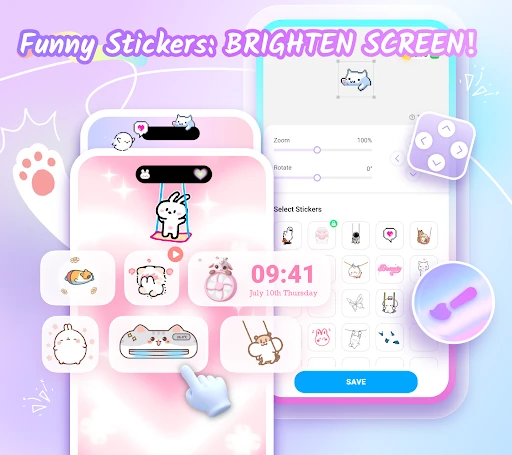
Game Introduction
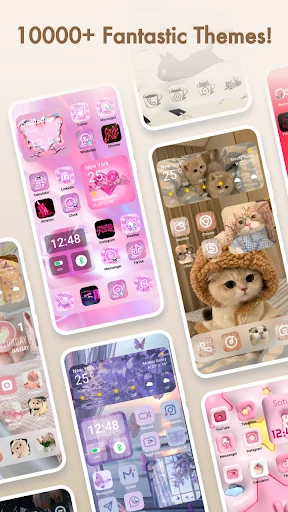
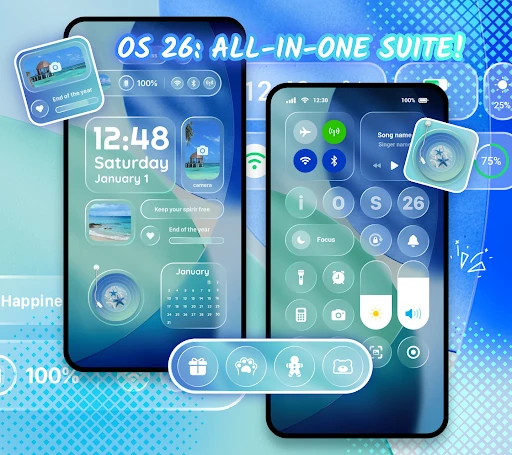
Themepack - App Icons, Widgets is an app for Android devices that enables the freedom to change home screen themes, with 10000+ functional widgets, icons, and wallpapers, as well as personalized widgets and icons customization options. 🎨 Looking to be the designer of your home screen, or have a theme pack that reflects your style? (。•̀ᴗ-)✧ Themepack - App Icons, Widgets enhances the functionality of customizing the device's home screen, making it the perfect choice for you!
Stylish & Custom Widgets
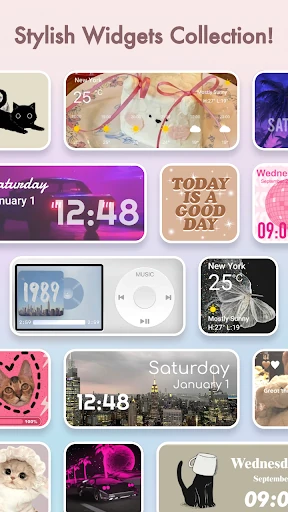
A variety of widgets, including battery widgets 🔋displaying device power information, dynamic image effect widgets ๑乛◡乛๑, calendar 📅, clock ⏰, weather 🌞, and control panel 💻 widgets. These effects will change the traditional screen appearance, providing you with a surprise! Additionally, you can open your gallery, select images, and customize your widgets, showcasing your creativity!
DIY Icons
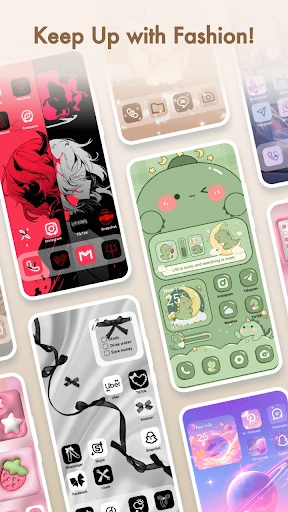
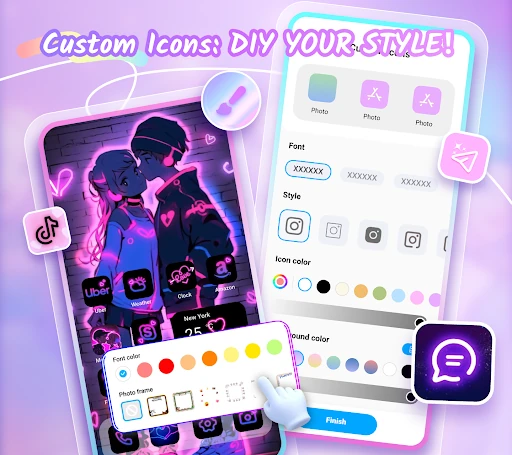
Moreover, you can also customize icons in Themepack - App Icons, Widgets, which offers a variety of choices for icon styles, fonts, colors, transparency levels, background colors, and more! It enables you to create distinctive icons and rename them using cool fonts to match your desired device applications, achieving DIY freedom!
Visual Aesthetics
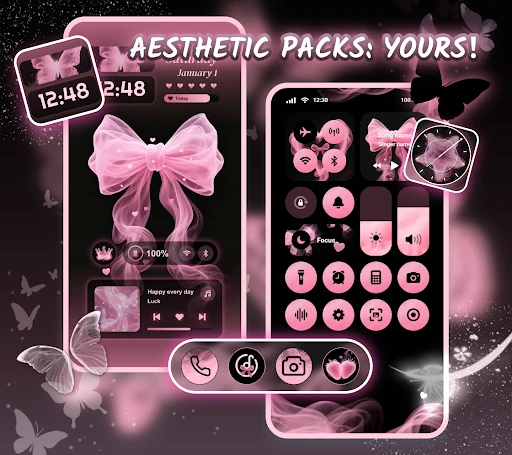
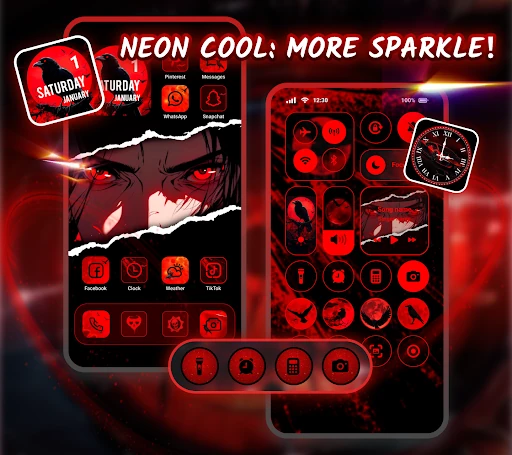
In Themepack - App Icons, Widgets, you will find aesthetic backgrounds, K-pop wallpapers, anime, neon, sports, and festival themes to help you customize your home screen with one-click additions, saving you time and effort! This is the unique advantage of Themepack - App Icons, Widgets!
🌈Why Use Themepack - App Icons, Widgets ✨
🔥 Various widget functions and rich themes!
🔥 Exquisite icon packs!
🔥 Personalization customized for you!
🔥 Awesome designed wallpapers!
🔥 Easy one-click replacement!
🔥 Super fast update speed!
Need to familiarize yourself with how to use it? Step-by-step guide!
🤖How to Use Themepack - App Icons, Widgets
1. Search for Themepack - App Icons, Widgets, and download it
2. Open Themepack - App Icons, Widgets
3. Choose the icon packs, themes, widgets, and DIY widgets that you like
4. Replace your choice with one click!
More advantages! Carefully unique design!
All app icons, themes, widgets, and wallpapers of Themepack - App Icons and widgets are created by top designers! Each widget has a unique meaning, maybe a circle, maybe a rectangle, enough for you to customize!
⭕️ NOTE ABOUT APPLICATION ACCESS
To display the control center view on your Android screen, Themepack - App Icons, Widgets requires Accessibility Service permissions. This access enables system modification capabilities for features like do-not-disturb mode, audio recording/screen capture, and music/volume controls. Themepack does not disclose any user information in connection with ACCESSIBLE SERVICES, and the application in connection with this access stores no user data.
Contact us
Themepack - App Icons, Widgets to help and guide you! If there is any operational problem, you can send it to us, we will follow up and solve it in time.
Email address: [email protected]
You May Also Like

Toon Blast

Axis Mobile: Pay, Invest & UPI

MOD Bus Simulator Indonesia

Dropbox: Secure Cloud Storage
Google News - Daily Headlines

Quran kareem-القرآن الكريم

Gardenscapes
Photo Lock App - Hide Pictures

99acres Buy/Rent/Sell Property

Expedia: Hotels, Flights, Cars

Fluvsies - A Fluff to Luv

Phone Mirror app - True Mirror

JustPlay: Earn Money or Donate

Word Search Explorer

Praktika – AI Language Tutor

Yandex Browser with Protect

UnitedHealthcare

TodayTix – Theatre Tickets