
Microsoft Outlook
Top Games












Game Screenshots




Game Introduction
🏆 Expert Verdict & Overview
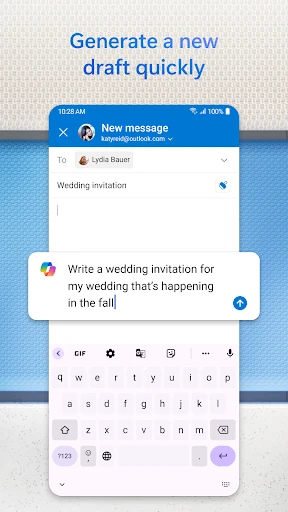
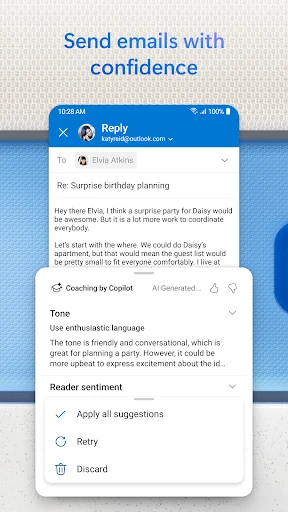
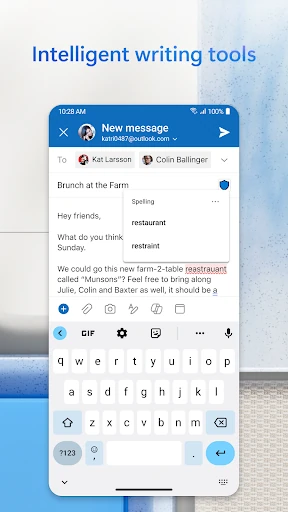
Microsoft Outlook stands as a cornerstone in the Productivity landscape, transcending the role of a traditional email client to become a comprehensive personal information manager. In an era of fragmented communication, Outlook provides a unified hub that seamlessly integrates email, calendar management, and file handling. For professionals and power users, it remains the gold standard, offering an enterprise-grade experience that balances sophisticated features with the accessibility required for personal use. Its ability to aggregate diverse accounts—from Gmail to Microsoft 365—into a single, cohesive workflow makes it an indispensable tool for anyone seeking to centralize their digital life.
🔍 Key Features Breakdown
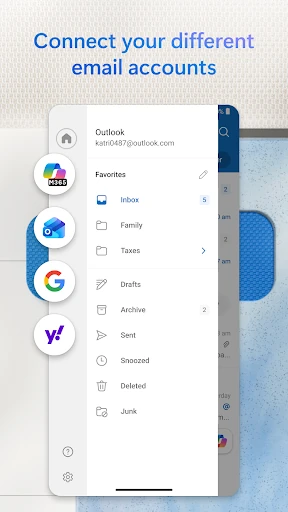
- Unified Inbox & Account Management: Outlook solves the problem of "app switching" by allowing users to manage Microsoft Exchange, Microsoft 365, Gmail, Yahoo Mail, and iCloud accounts in one place.
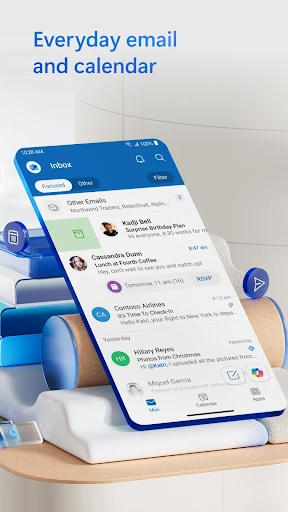
- Focused Inbox: This intelligent filtering system prioritizes important messages, moving newsletters and automated alerts to an "Other" tab, which helps users avoid information overload.
- Deep Office Integration: Users can open, view, and edit Word, Excel, and PowerPoint documents directly within the app, streamlining the transition from communication to content creation.
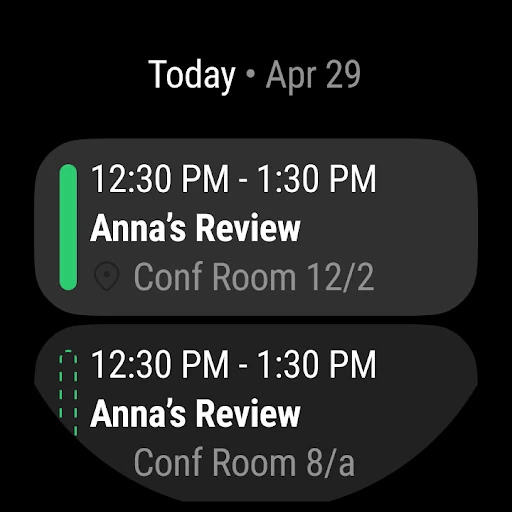
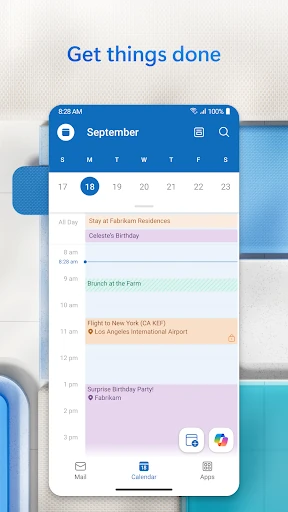
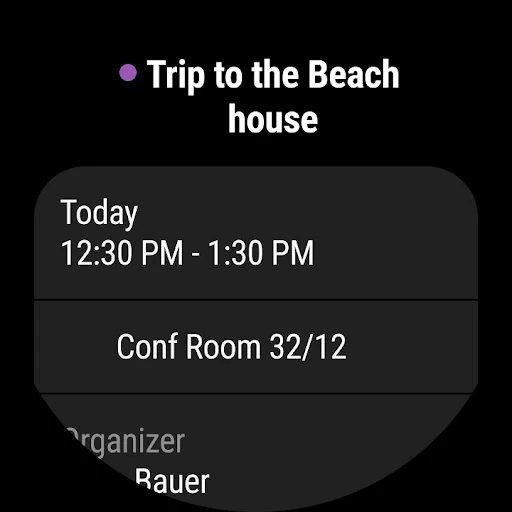
- Integrated Calendar & Video Meetings: The app bridges scheduling and execution by allowing users to RSVP to invites and join Teams, Zoom, or Skype calls with a single tap from the calendar view.
- Play My Emails: Leveraging voice technology, this feature allows users to catch up on their inbox hands-free, making it an ideal solution for commuters or multi-taskers.
🎨 User Experience & Design
The interface of Microsoft Outlook is built upon the principles of efficiency and clarity. Adhering to high-tier productivity standards, the UI utilizes a clean, "Fluent" design language that feels both professional and modern. Navigation is anchored by a bottom bar that provides instant access to Mail, Search, and Calendar, facilitating one-handed use on mobile devices. The UX is further enhanced by customizable swipe gestures, allowing users to triage their inbox—deleting, archiving, or snoozing messages—with minimal friction. While the feature set is dense, the logical grouping of tools ensures that the app never feels cluttered, maintaining a focused environment for the user.
⚖️ Pros & Cons Analysis
- ✅ The Good: Exceptional multi-account support that handles professional and personal mail with equal stability.
- ✅ The Good: Robust security features, including enterprise-grade phishing protection and sensitive data encryption.
- ❌ The Bad: Advanced features like full email encryption and certain premium editing tools require an active Microsoft 365 subscription.
- ❌ The Bad: The app can occasionally experience sync lag or increased battery consumption when managing multiple high-volume IMAP accounts.
🛠️ Room for Improvement
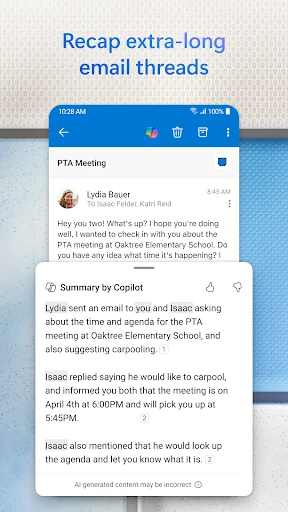
While Outlook is highly optimized, there is room for better native integration with Microsoft To Do, allowing for more granular task management directly from the email interface. Additionally, expanding the "Play My Emails" functionality to support more localized languages and improving the search indexing speed for legacy IMAP folders would significantly benefit users outside the core Microsoft ecosystem.
🏁 Final Conclusion & Recommendation
Microsoft Outlook is the premier choice for business professionals, students, and any user who requires a high-performance communication hub. It excels at consolidating complex workflows into a manageable, secure mobile experience. Whether you are managing a corporate Exchange server or a personal Gmail account, Outlook provides the tools necessary to stay organized and productive. It is highly recommended for anyone who views their inbox not just as a mailbox, but as a command center for their daily tasks.
You May Also Like