
SmartThings
Top Games










Game Screenshots
Game Introduction
🏆 Expert Verdict & Overview
SmartThings stands as a titan in the Lifestyle category, serving as the central nervous system for the modern connected home. Originally a standalone hub, it has evolved under Samsung’s stewardship into a versatile platform that masterfully balances proprietary hardware integration with broad third-party interoperability. Whether you are managing a Samsung Smart TV or integrating Nest and Philips Hue ecosystems, SmartThings offers a unified command center that significantly reduces the friction of smart home management. It is a sophisticated solution for users looking to transition from manual control to a truly automated living environment.
🔍 Key Features Breakdown
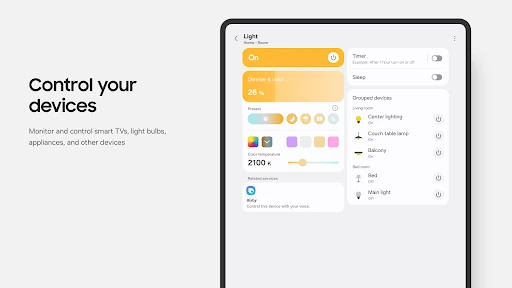
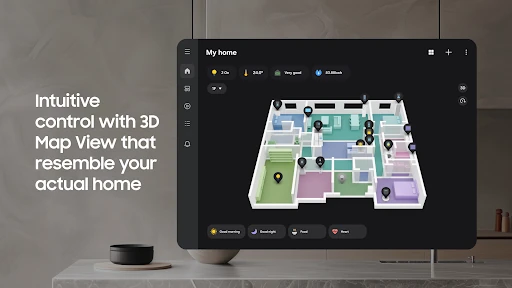
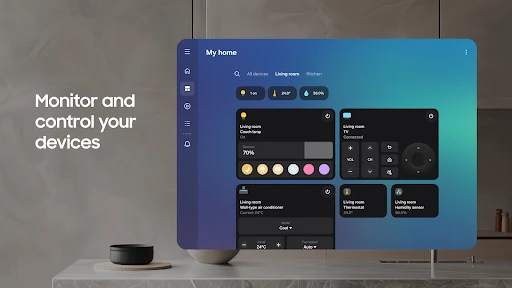
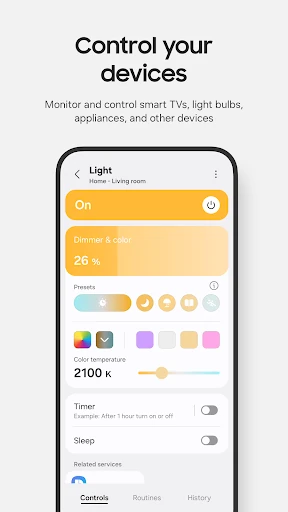
- Universal Device Control: Centralizes hundreds of brands like Ring, Nest, and Philips Hue into a single interface, solving the problem of app fragmentation in the smart home space.
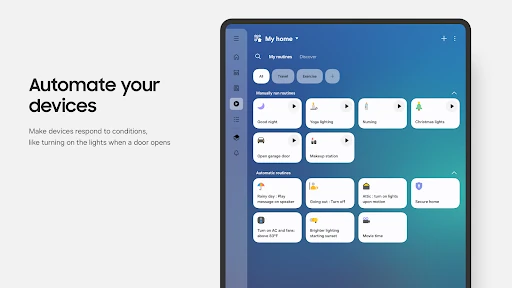
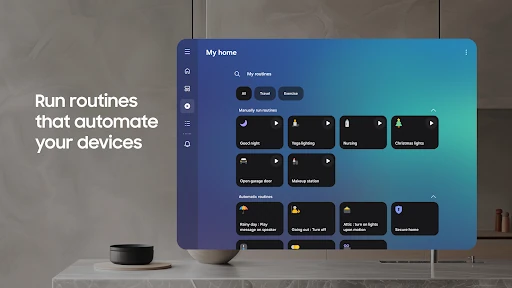
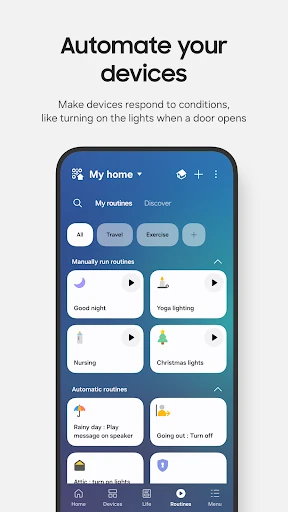
- Automated Routines: Enables users to build complex logic chains based on time, weather, or device status, ensuring the home operates smoothly in the background without manual intervention.
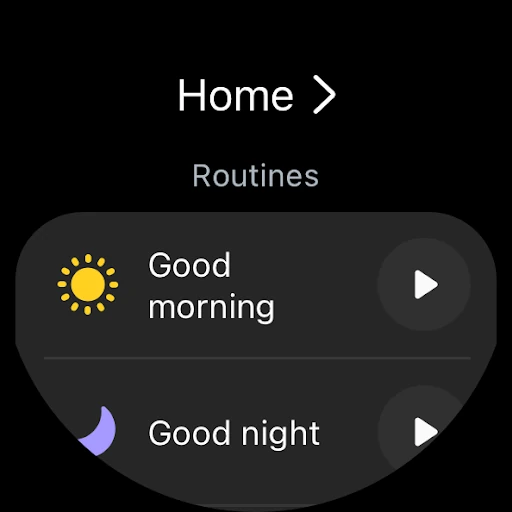
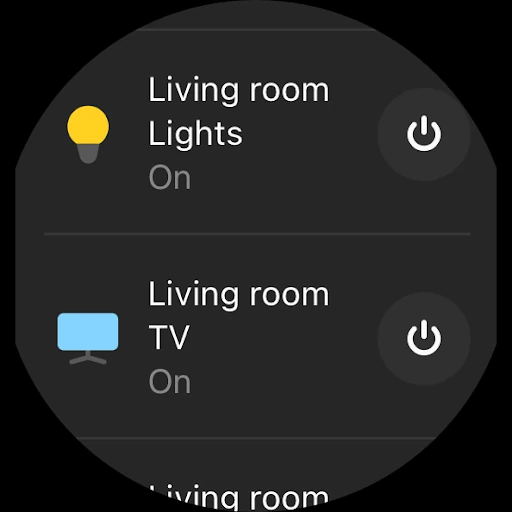
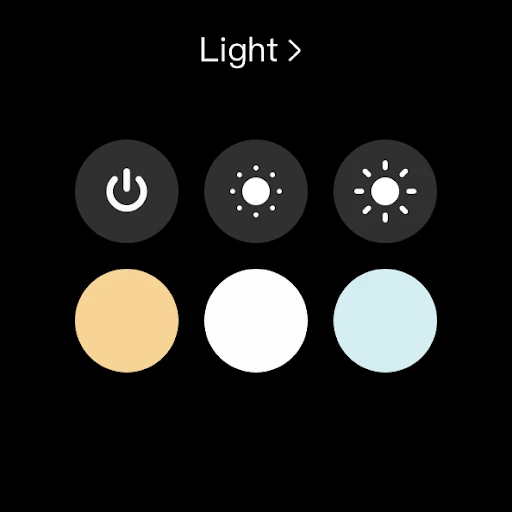
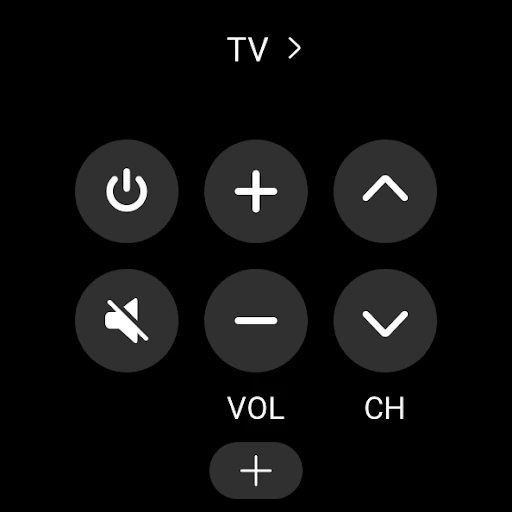
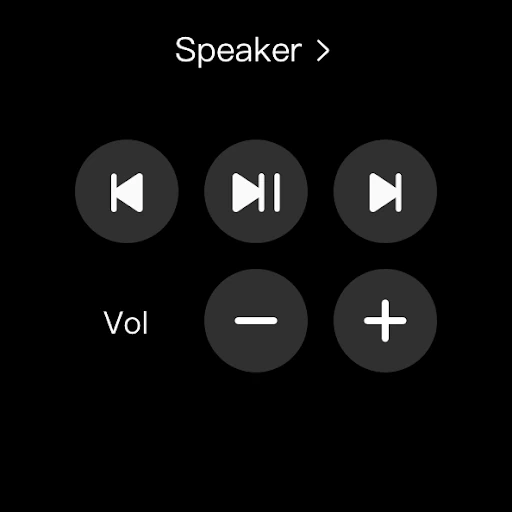
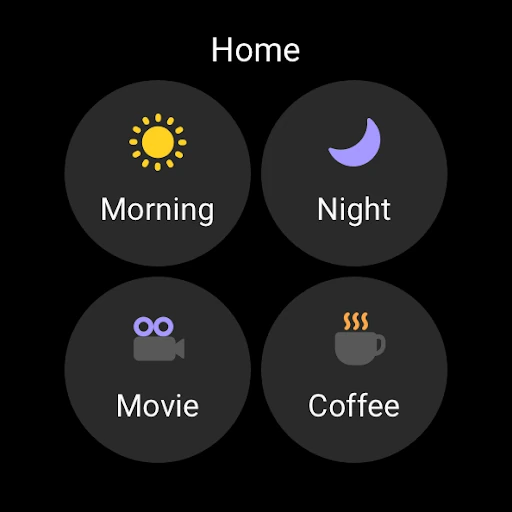
- Wear OS Integration: Extends control to the wrist through tiles and complications, providing immediate access to routines and status updates without needing to reach for a smartphone.
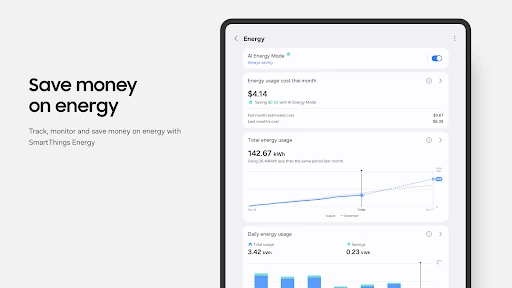
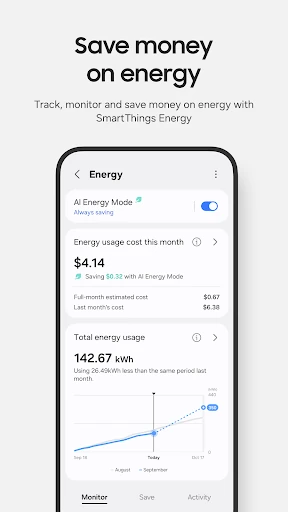
- Remote Monitoring & Notifications: Keeps users informed of their home's status from anywhere in the world, providing peace of mind through automated real-time alerts.
🎨 User Experience & Design
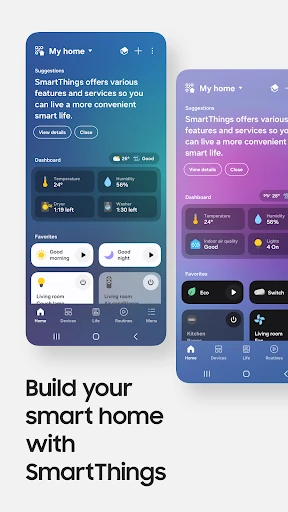
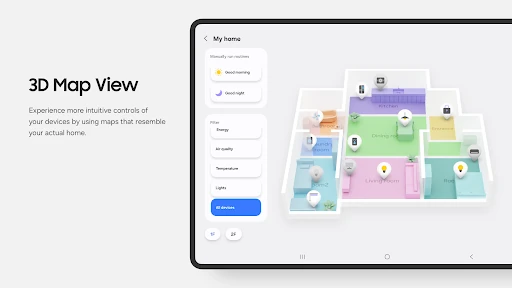
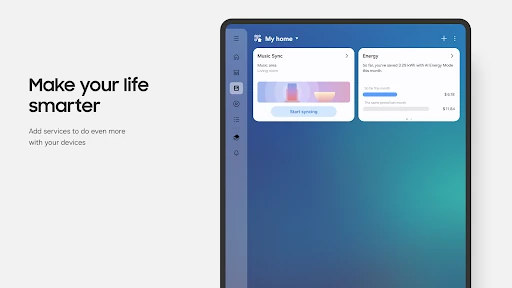
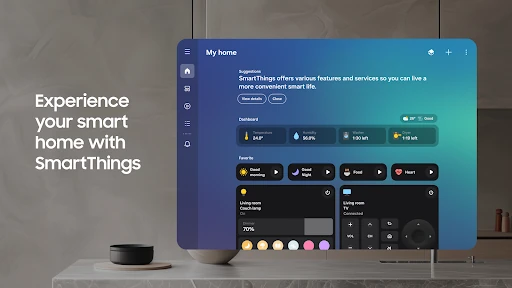
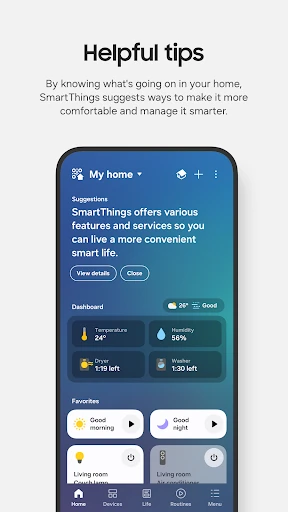
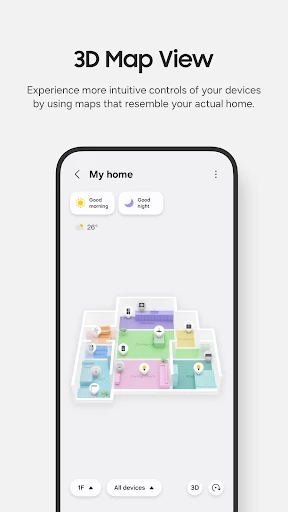
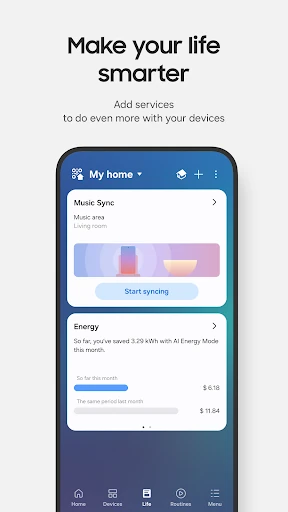
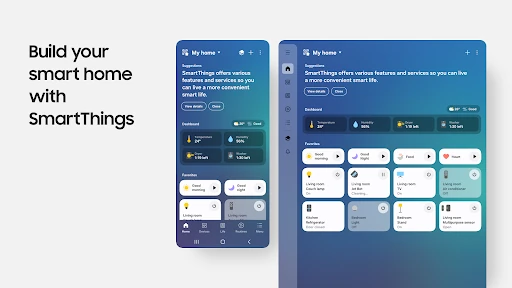
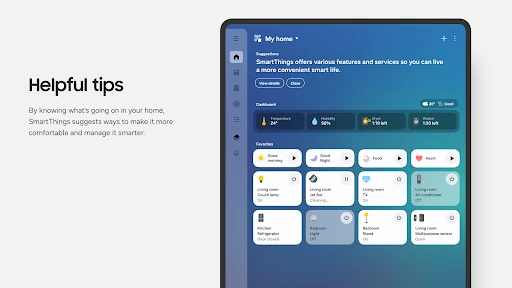
The UI reflects Samsung’s modern design philosophy, prioritizing clarity and hierarchical organization. The interface utilizes a card-based layout that makes even a large grid of devices feel manageable and visually distinct. For the Lifestyle category, the ease of use is commendable; the app simplifies the onboarding of new devices through QR code scanning and high-frequency sound pairing. While the depth of the "Routines" menu requires a slight learning curve, the overall experience is polished and responsive, particularly on devices that meet the 3GB RAM threshold.
⚖️ Pros & Cons Analysis
- ✅ The Good: Exceptional interoperability with a vast array of global smart home brands beyond the Samsung ecosystem.
- ✅ The Good: Robust automation engine that allows for highly granular "If-Then" logic involving multiple variables.
- ❌ The Bad: Optimization is heavily biased toward Samsung smartphones, resulting in a potentially restricted feature set for users of other hardware vendors.
- ❌ The Bad: Significant hardware requirements and extensive permission requests may be a barrier for users with entry-level devices or high privacy concerns.
🛠️ Room for Improvement
To further enhance the user experience, the developers should focus on achieving feature parity for non-Samsung Android devices to ensure a consistent experience across the entire ecosystem. Additionally, simplifying the "Routines" interface with more pre-configured "Lifestyle Templates" would help novice users maximize the app's potential without feeling overwhelmed by the logic-building process.
🏁 Final Conclusion & Recommendation
SmartThings is a top-tier recommendation for any homeowner looking to unify their IoT devices under a single, powerful roof. It is specifically tailored for Samsung power users and smart home enthusiasts who value deep automation and wearable integration. While it demands modern hardware to run effectively, its ability to bridge the gap between competing brands makes it an essential tool for anyone serious about building a cohesive smart lifestyle.
You May Also Like