
Car Launcher
Top Games












Game Screenshots
Game Introduction
🏆 Expert Verdict & Overview
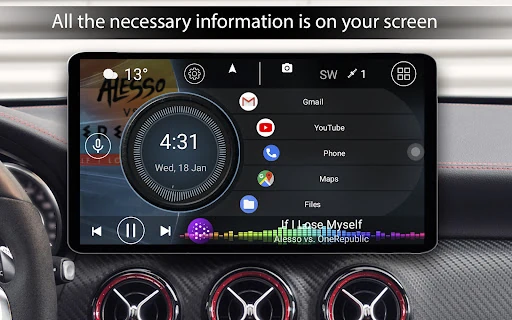
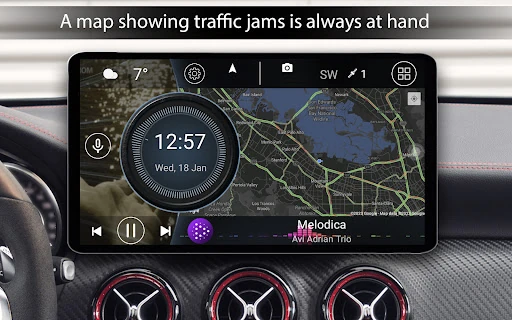
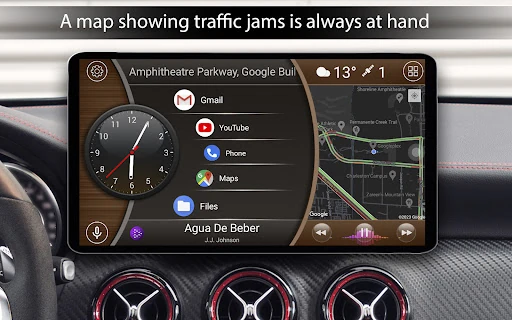
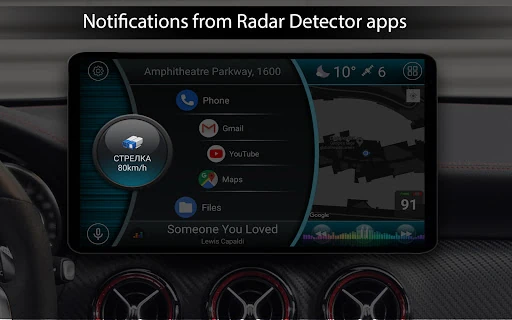
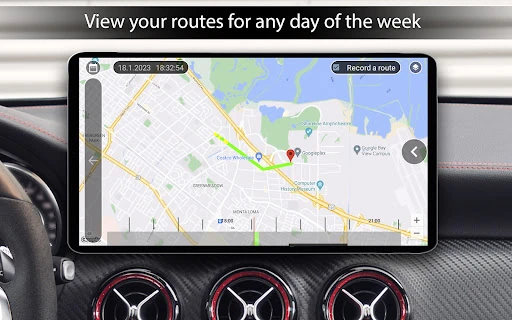
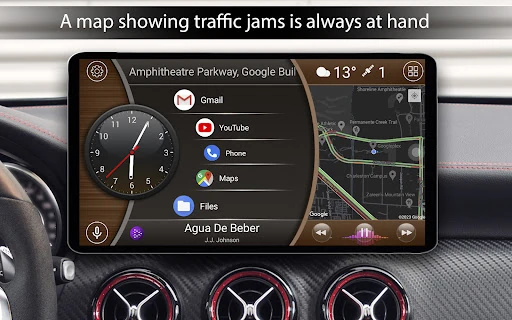
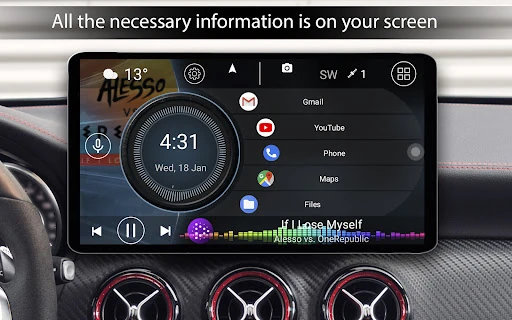
Car Launcher stands as a premier solution within the Auto & Vehicles category, specifically engineered to bridge the gap between standard mobile operating systems and the specialized requirements of a driving environment. Acting as a comprehensive interface replacement for Android-based head units, tablets, and smartphones, it transforms generic hardware into a sophisticated, driver-centric infotainment system. Its dual identity as both a customizable application launcher and a robust trip computer makes it an essential tool for users looking to modernize their vehicle's digital experience with professional-grade telemetry and streamlined accessibility.
🔍 Key Features Breakdown
- Integrated Trip Computer: Solves the need for real-time telemetry by tracking current, average, and maximum speeds, alongside acceleration data (0-60 to 0-150 km/h) directly on the home screen.
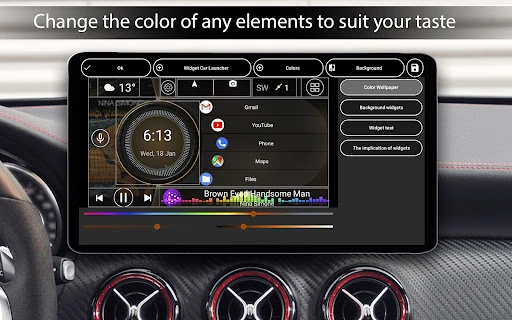
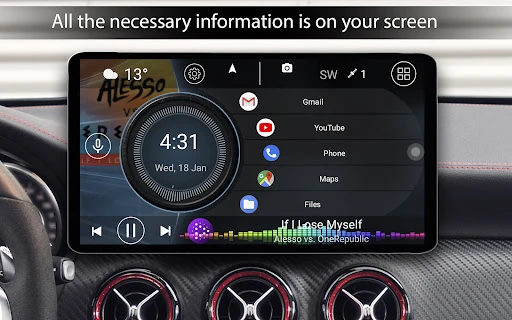
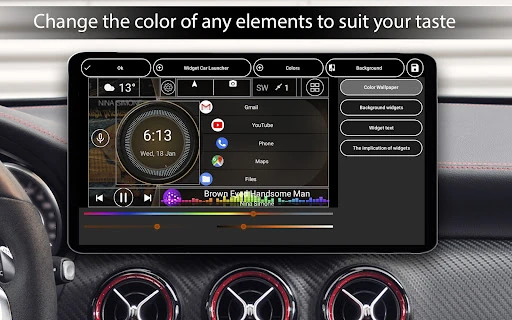
- Driver-Centric UI Customization: Addresses the issue of driver distraction by allowing users to create unlimited app shortcuts, folders, and customizable widgets that are easy to interact with while stationary.
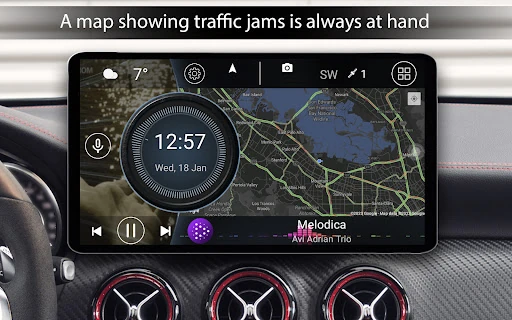
- Adaptive Environment Controls: Features like auto-brightness based on time of day and customizable screensavers ensure the display remains legible and non-intrusive during both night and day driving.
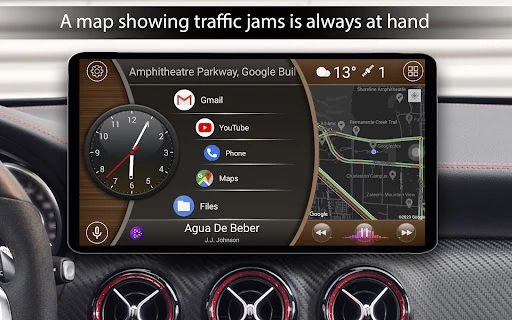
- Universal Media Support: Provides a unified control hub for various music players, displaying album art and playback controls to minimize the need to switch between different audio applications.
- Accessibility Gesture Support: Utilizes edge-swipe gestures to facilitate system navigation (Back, Home, Recent Apps), providing a safer alternative to hunting for small navigation buttons on a dashboard.
🎨 User Experience & Design
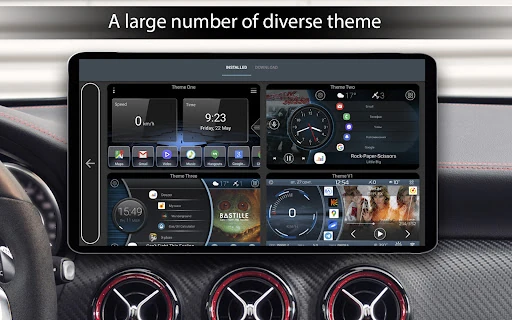
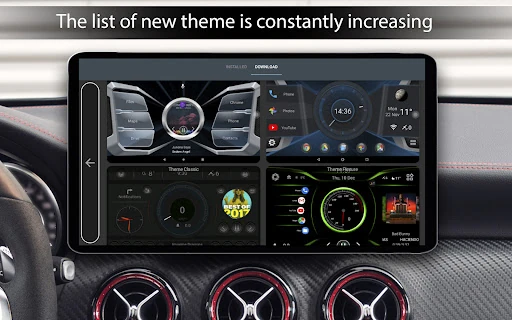
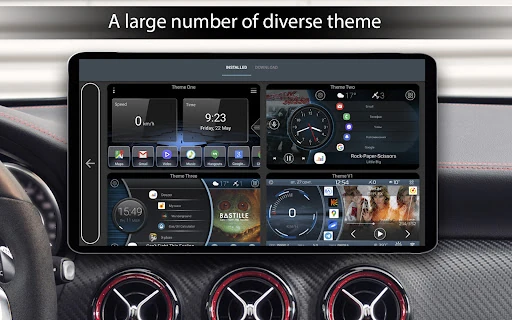
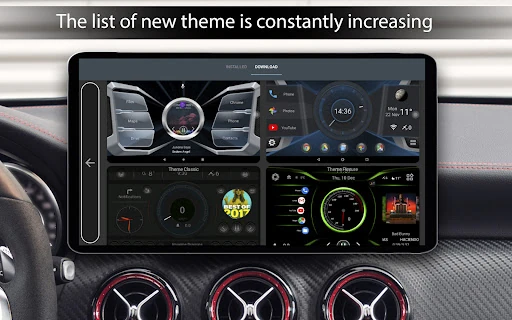
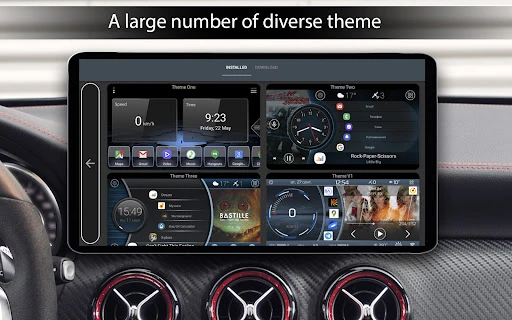
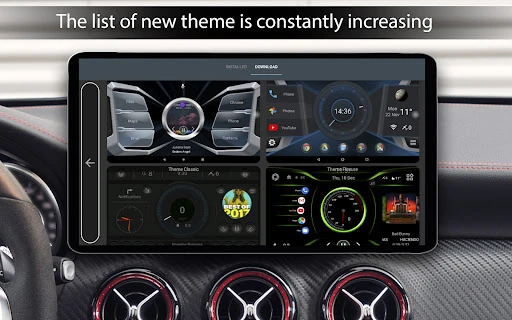
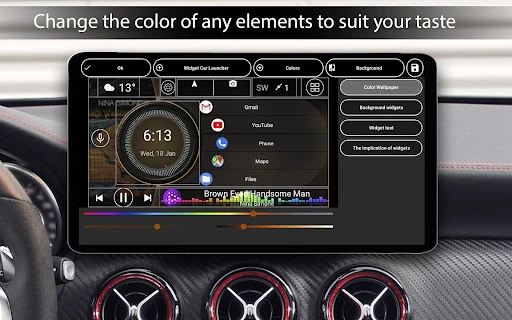
The design philosophy of Car Launcher centers on high legibility and minimal cognitive load. The interface utilizes large touch targets and high-contrast text, which are critical standards for the Auto & Vehicles category. By allowing users to choose between multiple themes and third-party icon packs, the app ensures that the UI can match the interior aesthetics of almost any vehicle. The user experience is further enhanced by the "slide-out" menu, which provides a clean way to access deep statistics without cluttering the primary driving view. While the Pro version adds layers of complexity via the theme editor, the default setup remains intuitive enough for immediate use upon installation.
⚖️ Pros & Cons Analysis
- ✅ The Good: Exceptional telemetry tracking including specialized drag-racing data like 1/4 mile times and acceleration sprints.
- ✅ The Good: Highly flexible "Pro" theme editor that allows for complete resizing and repositioning of every UI element.
- ❌ The Bad: Heavy reliance on background GPS for speed and weather data can lead to increased battery drain on mobile devices not connected to a power source.
- ❌ The Bad: Some of the most valuable aesthetic features, such as system widget support and custom logos, are restricted to the paid version.
🛠️ Room for Improvement
While the app is feature-rich, future updates could benefit from native OBDII sensor integration to provide engine diagnostics (like RPM or fuel levels) directly alongside GPS data. Additionally, expanding the voice control suite beyond a Google Assistant shortcut to include launcher-specific voice triggers—such as "Switch Theme" or "Open Trip Stats"—would further enhance the hands-free experience and overall safety profile.
🏁 Final Conclusion & Recommendation
Car Launcher is the definitive choice for automotive enthusiasts and daily commuters who utilize Android hardware as their primary dashboard interface. It is particularly well-suited for owners of aftermarket Android head units seeking a more polished, "factory-plus" look. Whether you are looking for a performance-tracking tool for a sports car or a simplified media hub for a family tablet, this app delivers a professional, safe, and highly customizable environment for any journey.
You May Also Like