LINE: Calls & Messages
Top Games












Game Screenshots





Game Introduction
🏆 Expert Verdict & Overview
LINE: Calls & Messages stands as a titan in the Communication landscape, transcending the role of a simple messenger to become a comprehensive social ecosystem. While many competitors focus on minimalist utility, LINE thrives on a "more is more" philosophy, integrating expressive multimedia, personal productivity tools, and robust cross-platform synchronization. It is a versatile powerhouse that successfully bridges the gap between personal intimacy and digital convenience, making it a critical player for users who demand a feature-rich alternative to standard SMS or basic chat applications.
🔍 Key Features Breakdown
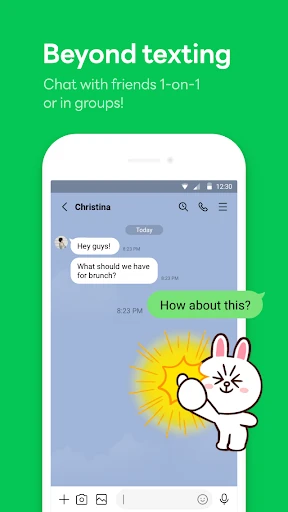
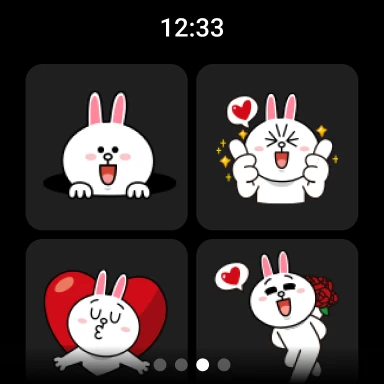
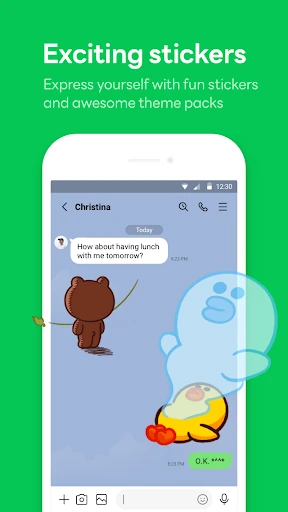
- Sticker & Emoji Ecosystem: Solves the problem of "dry" or misinterpreted digital communication by providing a massive library of expressive graphics that allow users to convey nuance and emotion effectively.
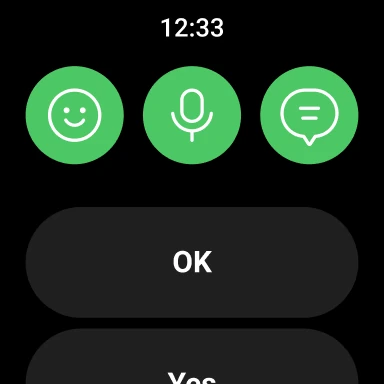
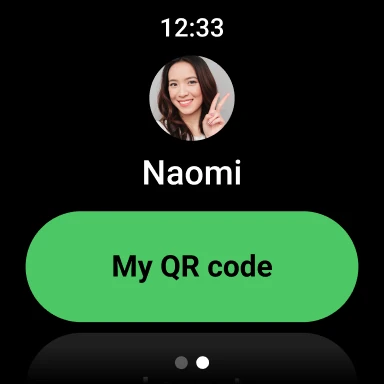
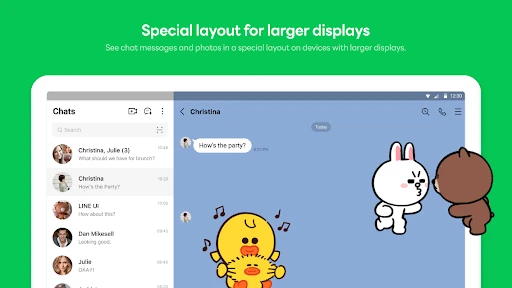
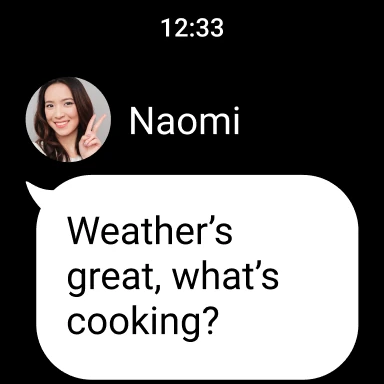
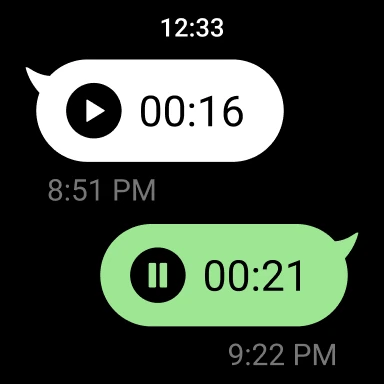
- Cross-Platform Continuity: Solves the friction of device switching by offering a seamless experience across Mobile, PC, and Wear OS, ensuring users stay connected regardless of their environment.
- Letter Sealing Encryption: Solves privacy concerns by implementing end-to-end encryption for messages, calls, and location data, ensuring that sensitive information remains between the sender and receiver.
- Keep Memo Utility: Solves the issue of information fragmentation by providing a dedicated, private chat space within the app to store temporary notes, links, and media for later use.
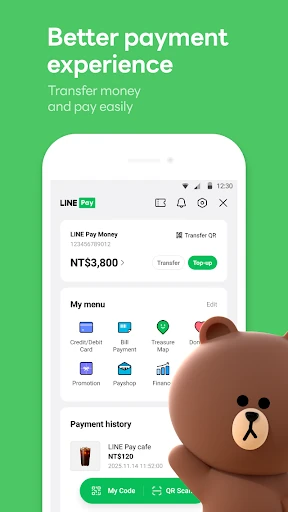
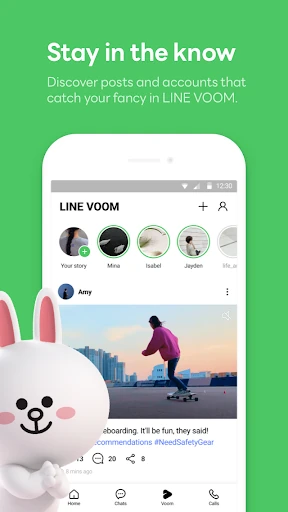
- Home Tab Integration: Solves navigation fatigue by centralizing friends lists, birthdays, and secondary services into a single, accessible dashboard.
🎨 User Experience & Design
The interface of LINE is vibrant and highly customizable, catering to a demographic that values aesthetic personalization through its extensive theme shop. From a UX perspective, the app follows modern design conventions but trends toward a high information density. While the "Home" tab provides a logical starting point, the sheer breadth of services—from stickers to third-party integrations—can present a learning curve for minimalist users. However, for the power user, the navigation is logical, and the specialized Wear OS support indicates a high level of technical polish and commitment to accessibility across different hardware form factors.
⚖️ Pros & Cons Analysis
- ✅ The Good: Industry-leading creative expression tools with a limitless variety of stickers and themes.
- ✅ The Good: Exceptional multi-device support, particularly the well-optimized Wear OS app and desktop client.
- ❌ The Bad: Heavy resource requirements; the app demands significant storage space and a high Android OS version (11.0+) to function optimally.
- ❌ The Bad: The interface can feel cluttered due to the inclusion of various auxiliary services and promotional content in the "Home" section.
🛠️ Room for Improvement
The next major update should prioritize optimization for mid-range and legacy hardware. Reducing the initial installation footprint and optimizing background data usage would make the app more accessible in regions with limited connectivity. Furthermore, introducing a "Simplified Mode" for the UI could help users who only require core messaging features to navigate the app without the distraction of the broader ecosystem services.
🏁 Final Conclusion & Recommendation
LINE: Calls & Messages is best suited for social butterflies, creative communicators, and professionals who require seamless transitions between mobile and desktop environments. It is a premium choice for those who view messaging as an extension of their personality rather than just a utility. While it may be too "heavy" for users with older devices or those seeking a bare-bones experience, it remains a top-tier recommendation for anyone looking for a secure, expressive, and all-encompassing communication hub.
You May Also Like