VLC for Android
Top Games






Game Screenshots
Game Introduction
🏆 Expert Verdict & Overview
VLC for Android remains the undisputed heavyweight champion in the Video Players & Editors landscape. As a direct port of the legendary desktop media player, it brings unparalleled versatility to the mobile ecosystem. It distinguishes itself not just through technical prowess, but through its commitment to being a free, open-source, and ad-free utility. In an era where many mobile players are bloated with intrusive monetization and data-tracking, VLC serves as a clean, high-performance tool that prioritizes the user experience and broad compatibility over all else.
🔍 Key Features Breakdown
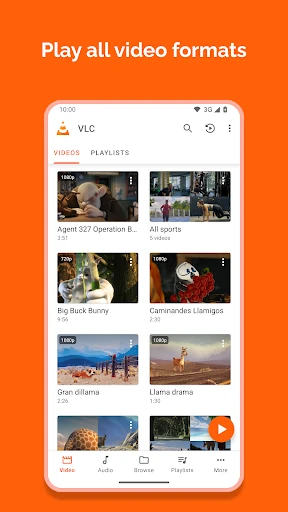
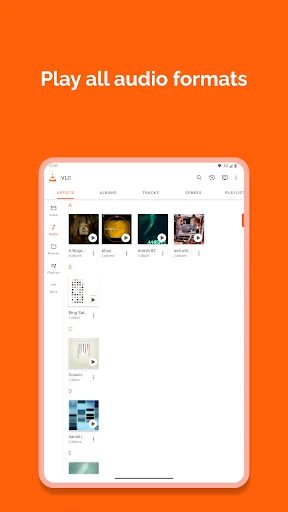
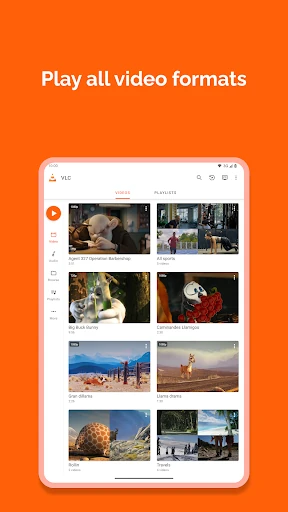
- Universal Format Support: It handles nearly every file type imaginable, from MKV and MP4 to FLAC and DVD ISOs, eliminating the need for third-party codec packs.
- Advanced Networking & Streaming: Users can stream content directly via network shares, drives, and various protocols, making it a hub for home media servers and NAS setups.
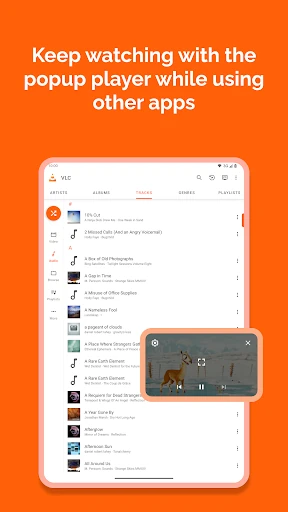
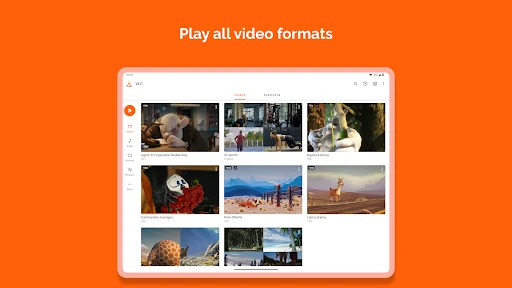
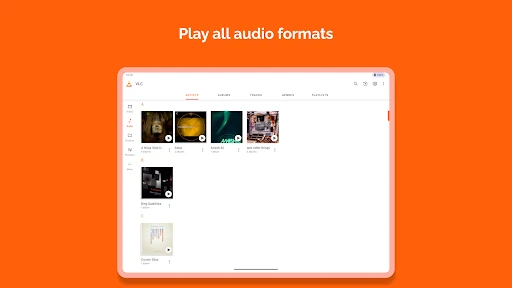
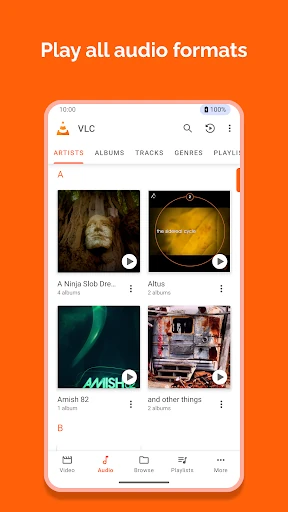
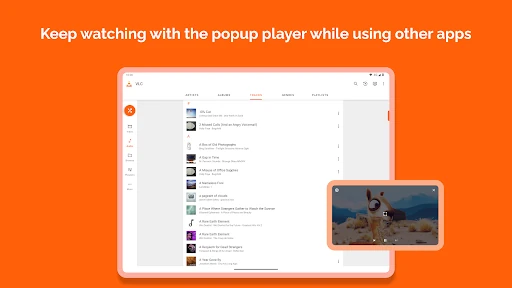
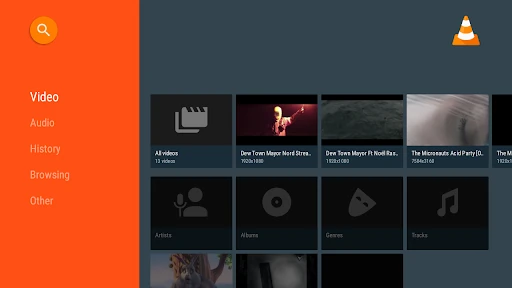
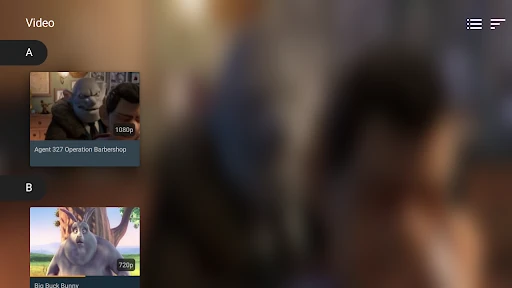
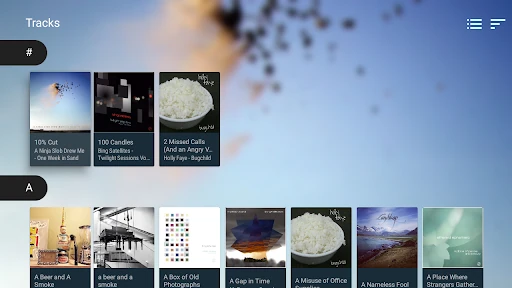
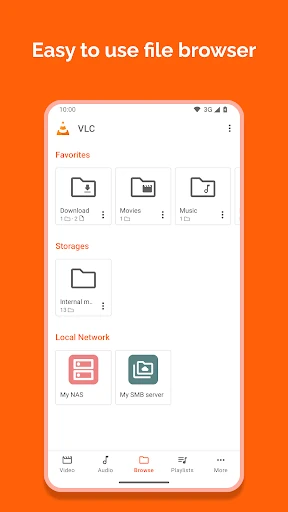
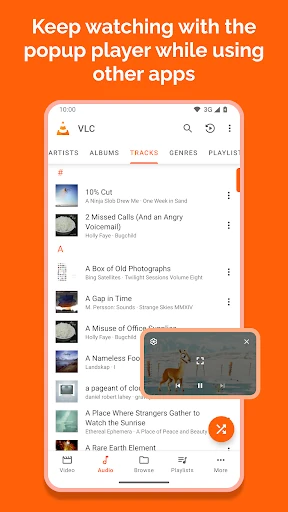
- Integrated Media Library: The app automatically scans and organizes audio and video files into a searchable database, solving the problem of fragmented storage.
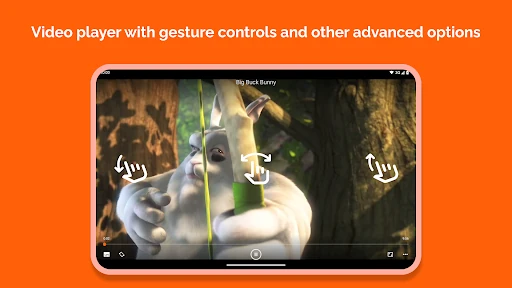
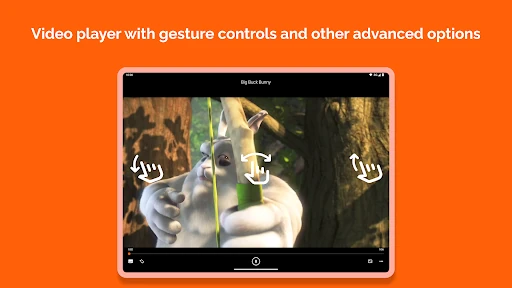
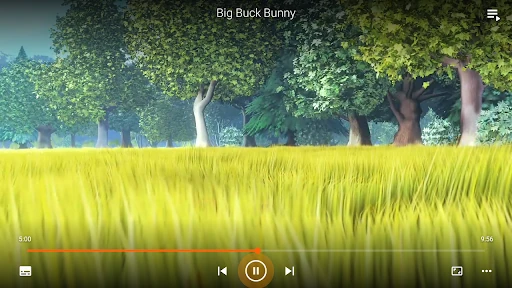
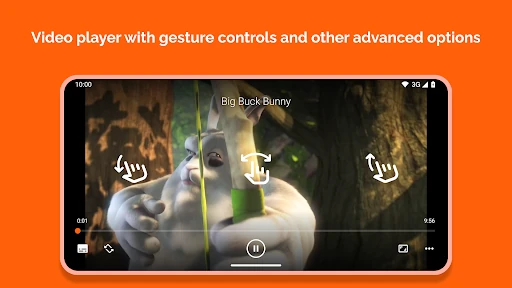
- Intuitive Gesture Controls: It streamlines the viewing experience by allowing users to adjust volume, brightness, and seeking through simple on-screen swipes.
- Multi-Track & Subtitle Management: Supports complex files with multiple audio tracks and provides robust controls for subtitle synchronization and closed captions.
🎨 User Experience & Design
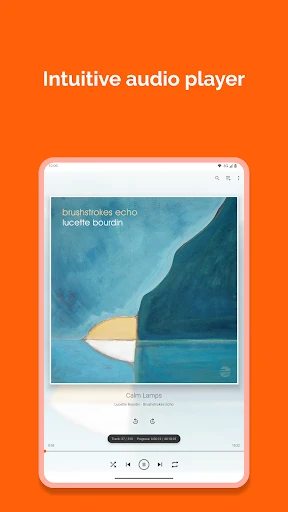
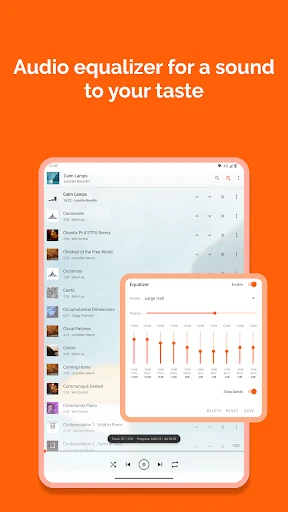
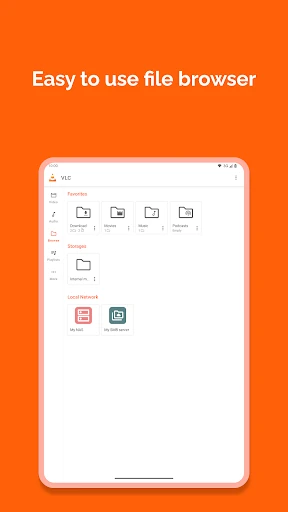
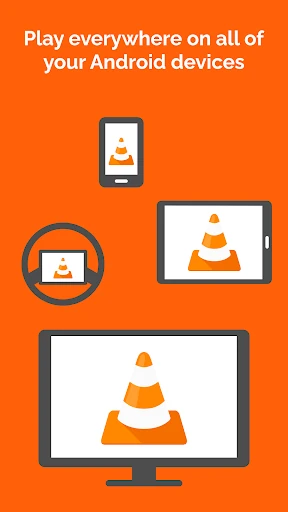
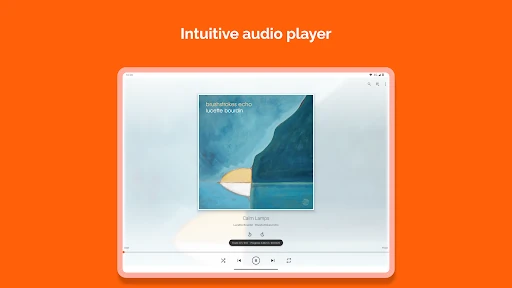
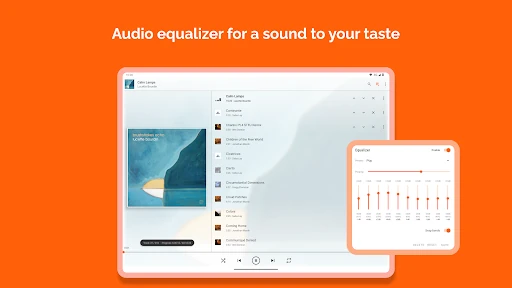
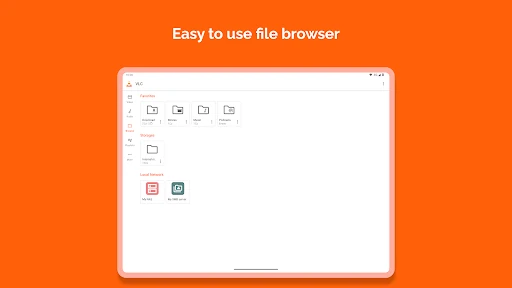
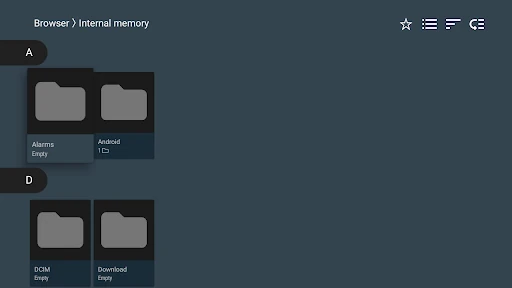
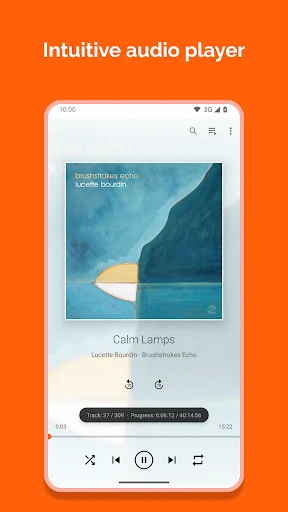
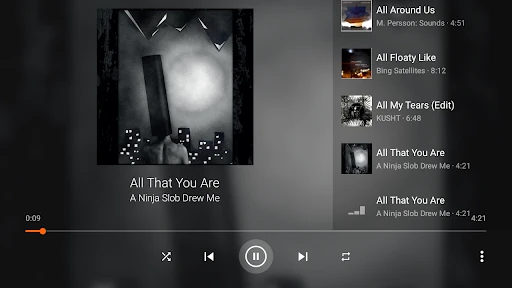
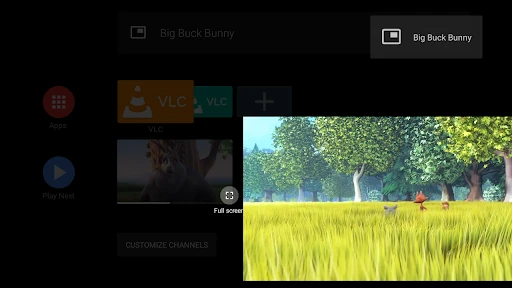
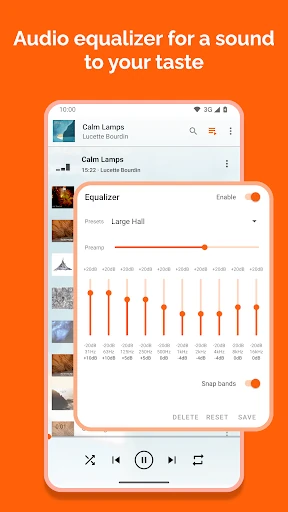
The interface of VLC for Android favors functionality and accessibility over visual flair, which is a standard expectation for high-utility Video Players & Editors. While the design is pragmatic, it is highly efficient; the media library is logically partitioned, and the inclusion of a dedicated folder browser is a lifesaver for users with complex directory structures. The UX is further enhanced by a robust audio player that includes a full equalizer and filters, ensuring it functions as a comprehensive multimedia station rather than just a simple video viewer. Its adaptation for Android TV also shows a deep understanding of lean-back UI requirements.
⚖️ Pros & Cons Analysis
- ✅ The Good: Completely free with no ads, trackers, or in-app purchases, ensuring total user privacy and an uninterrupted experience.
- ✅ The Good: Exceptional hardware acceleration and support for virtually all modern codecs and subtitle formats right out of the box.
- ❌ The Bad: The interface can feel slightly utilitarian and dated compared to more modern, minimalist design-focused competitors.
- ❌ The Bad: The depth of settings and extensive permission requirements might be intimidating for casual users who only need basic playback.
🛠️ Room for Improvement
To maintain its lead in the market, VLC for Android could benefit from a visual refresh that aligns more closely with contemporary Material Design 3 principles to offer a sleeker look. Additionally, improving the playlist management system to make it more intuitive and adding native integration for popular cloud storage providers would bridge the gap between local playback and modern cloud-centric media consumption.
🏁 Final Conclusion & Recommendation
VLC for Android is the definitive choice for power users, media enthusiasts, and anyone who values privacy and performance. It is the perfect tool for users who manage large libraries of local files or stream content from home servers. Because it is developed by a non-profit organization and maintained by volunteers, it remains the most trustworthy and capable recommendation in its category. If you want a "play-anything" solution that respects your device, this is the app to install.
You May Also Like