
Microsoft Authenticator
Top Games












Game Screenshots
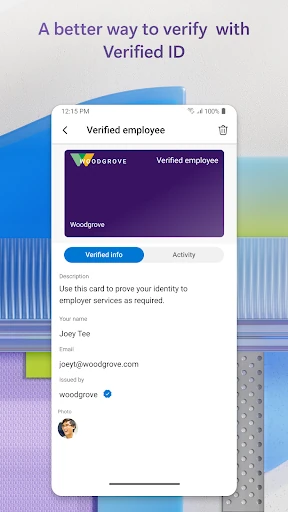
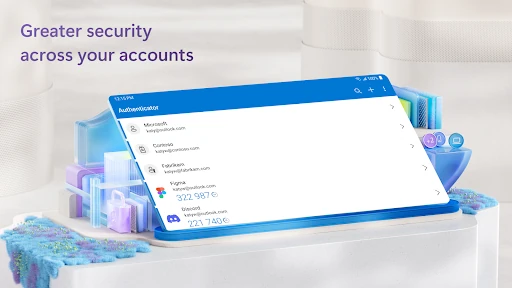
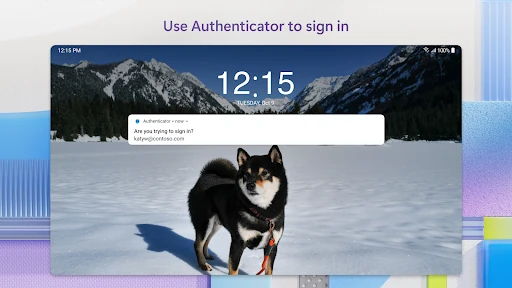
Game Introduction
🏆 Expert Verdict & Overview
Microsoft Authenticator stands as a cornerstone of modern digital security, particularly within the enterprise and business landscape. As a flagship tool for identity management, it facilitates a seamless transition from traditional passwords to more robust Multi-Factor Authentication (MFA) and passwordless environments. Its primary value lies in its deep integration with the Microsoft 365 ecosystem, where it acts as a gatekeeper for sensitive corporate data while simultaneously supporting a wide array of third-party services. For professionals, it is less of an "optional utility" and more of a mandatory infrastructure component that balances high-level security protocols with the convenience required for daily productivity.
🔍 Key Features Breakdown
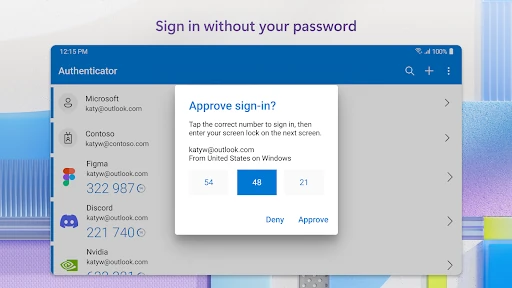
- Multi-Factor Authentication (MFA): Adds a critical second layer of defense by requiring biometric approval or a Time-based One-Time Password (TOTP) after the standard password entry.
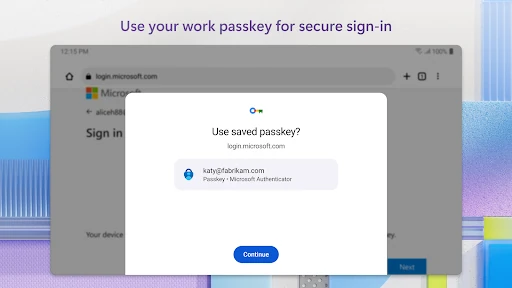
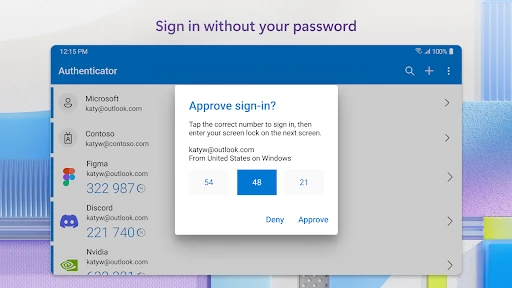
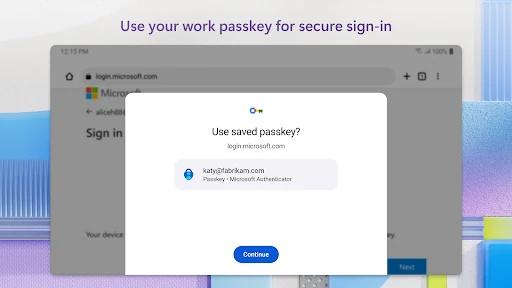
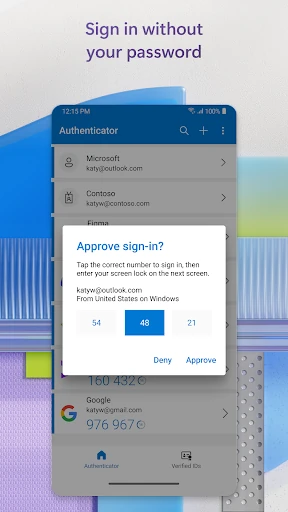
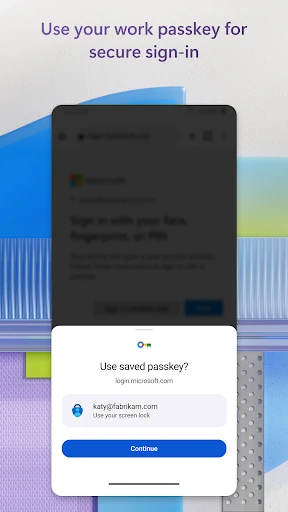
- Passwordless Sign-In: Eliminates the vulnerability of memorized strings by allowing users to log in to Microsoft accounts using only their phone’s biometrics (fingerprint/Face ID) or a local PIN.
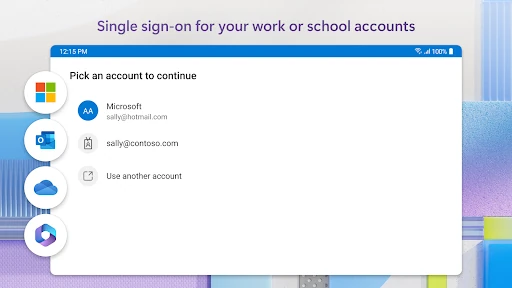
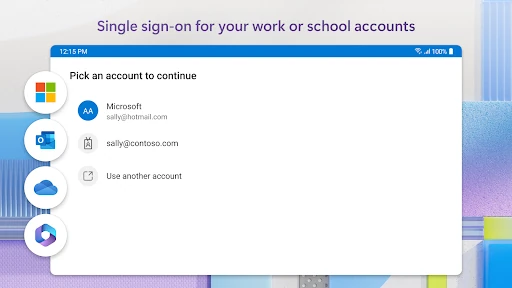
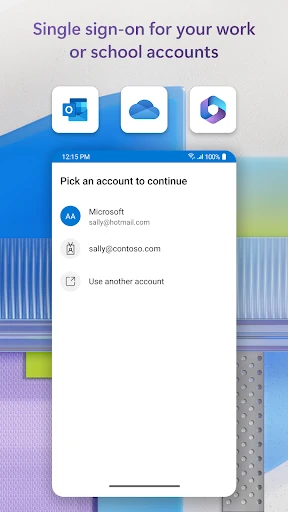
- Single Sign-On (SSO): Once identity is verified via the app, users can access the full suite of Microsoft applications (Outlook, Teams, OneDrive) without redundant login prompts.
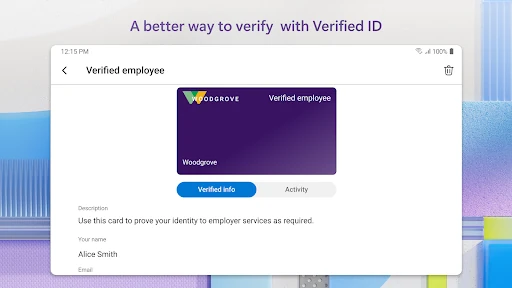
- Enterprise Device Registration: Allows organizations to issue certificates to devices, ensuring that access to corporate resources is only granted to trusted, managed hardware.
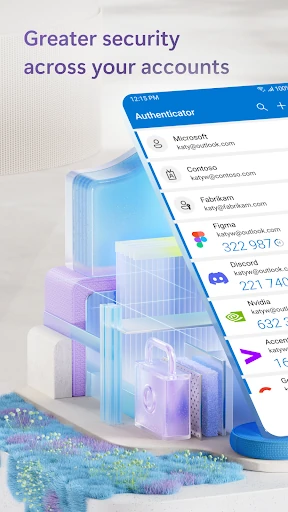
- Offline TOTP Generation: Generates 30-second rotating codes without requiring a data connection, ensuring security is accessible even in airplane mode or low-connectivity zones.
🎨 User Experience & Design
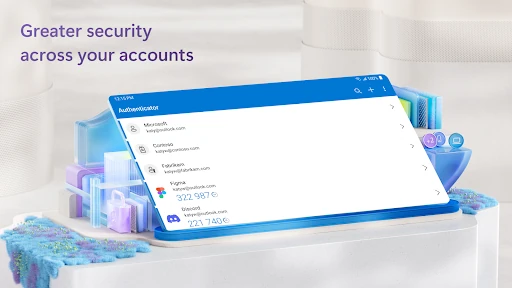
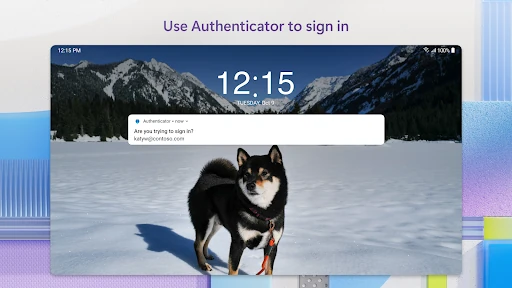
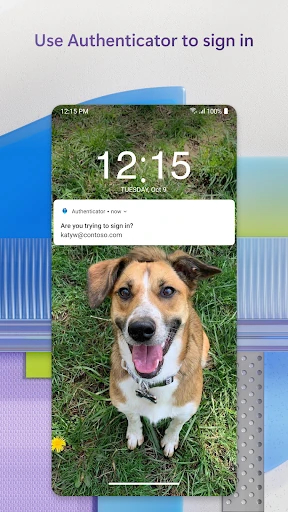
The interface of Microsoft Authenticator is built around the "utility-first" philosophy expected of top-tier Business apps. It avoids unnecessary flourishes in favor of high-contrast text and prominent action buttons. The user experience is heavily notification-driven; for most business users, the interaction begins and ends with a system-level push notification that allows for one-tap approval. Within the app, the account management is organized logically, though the list can become cluttered for power users managing dozens of accounts. The inclusion of a visible 30-second countdown timer for OTPs provides a clear visual cue that aids in timing manual entries accurately.
⚖️ Pros & Cons Analysis
- ✅ The Good: Exceptional integration with Microsoft 365, significantly reducing "login fatigue" through Single Sign-On capabilities.
- ✅ The Good: Highly efficient battery and data usage; the app generates security codes locally without constant background polling.
- ❌ The Bad: The process for backing up and restoring accounts to a new device can be confusing, particularly for non-Microsoft (third-party) accounts.
- ❌ The Bad: Required permissions for location and storage—while documented as optional—can create friction for privacy-conscious users who may not understand the enterprise compliance context.
🛠️ Room for Improvement
Future updates could benefit from a more intuitive cloud-backup system that bridges the gap between different mobile operating systems more effectively. Additionally, as the number of supported third-party accounts grows, implementing a folder-based or tagging system for accounts would help business users manage personal and professional credentials more efficiently. Finally, the "Approve/Deny" notification could be enhanced with more granular geolocation data to help users quickly identify fraudulent login attempts from unexpected regions.
🏁 Final Conclusion & Recommendation
Microsoft Authenticator is the definitive security companion for any user embedded in the Microsoft ecosystem, particularly those in work or school environments where MFA is a corporate mandate. Its ability to handle passwordless logins and certificate-based authentication makes it a leader in the Zero Trust security model. We highly recommend this app for enterprise professionals, students, and any security-conscious individual looking to harden their online presence against credential theft.
You May Also Like