
VivaVideo - Video Cut & Editor
Top Games












Game Screenshots
Game Introduction
🏆 Expert Verdict & Overview
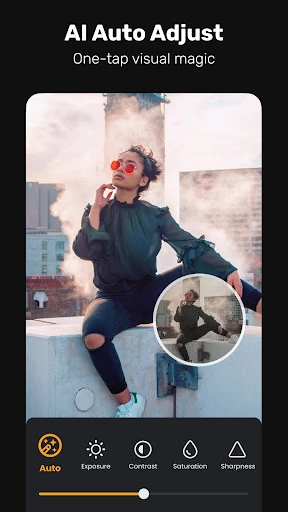
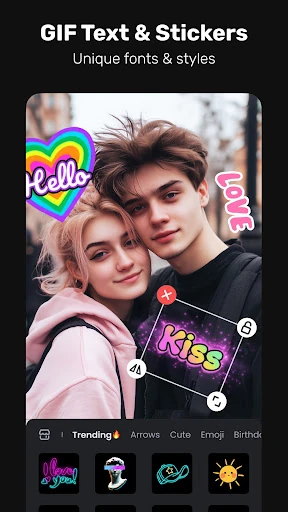
VivaVideo - Video Cut & Editor stands as a formidable contender in the competitive Video Players & Editors landscape, successfully pivoting from a traditional editor to an AI-driven creative suite. By offering a "Free & No Ads" model, it disrupts the typical subscription-heavy market. The app masterfully balances accessibility for social media hobbyists with high-end tools required by professional creators, positioning itself as a versatile, all-in-one laboratory for digital storytelling and audience growth.
🔍 Key Features Breakdown
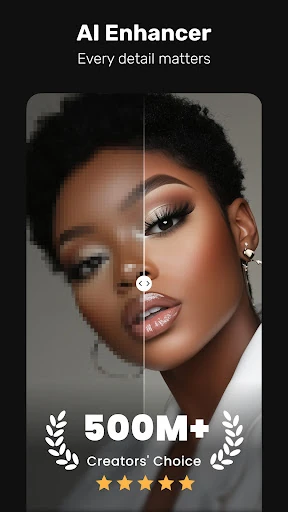
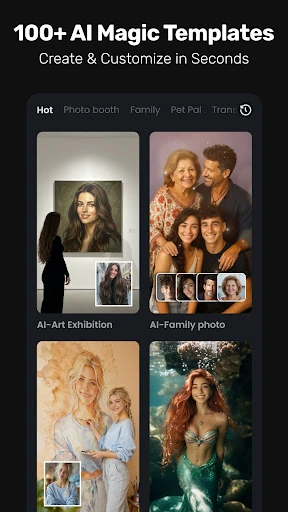
- Advanced AI Creative Suite: Features like AI Voice Clone, AI Avatar, and Image-to-Video generation solve the problem of high production costs by allowing creators to generate professional-grade assets directly from their mobile device.
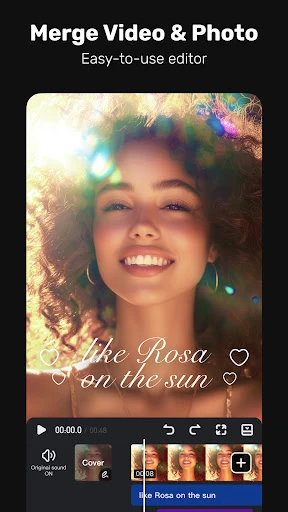
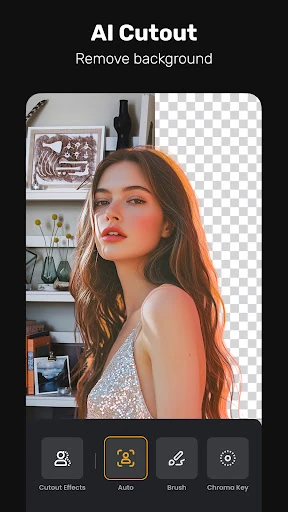
- Professional Post-Production Tools: Keyframe editing, chroma key, and masking capabilities provide the granular control usually reserved for desktop software, enabling complex animations and immersive visual effects.
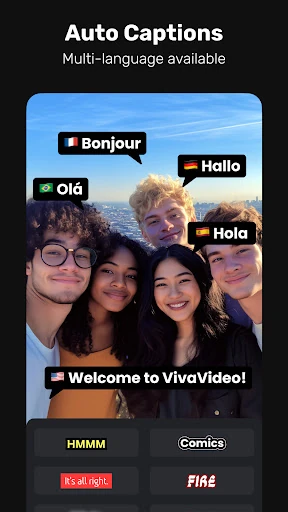
- Automated Efficiency: AI Auto Captions and AI Beat synchronization solve the most tedious aspects of editing, allowing users to generate subtitles and rhythmic cuts in a fraction of the time.
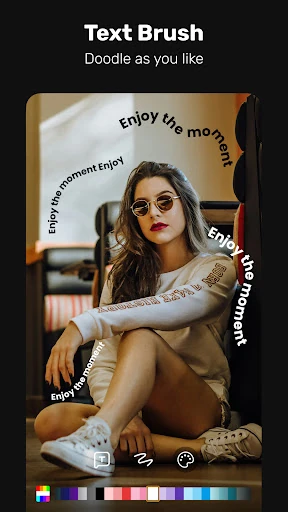
- Intelligent Motion Tracking: The Smart Tracking feature allows text, stickers, or effects to follow moving objects automatically, solving the difficulty of manual frame-by-frame adjustments.
🎨 User Experience & Design
The interface of VivaVideo is designed with a dual-tier approach that honors the standards expected of the Video Players & Editors category. For beginners, the design is intuitive, utilizing recognizable iconography and one-tap templates for Reels and TikToks. For professionals, the UI reveals a deep multi-layer timeline supporting Picture-in-Picture (PIP) and sophisticated masking tools. The navigation is fluid, ensuring that the heavy density of features does not result in a cluttered workspace, which is essential for precise mobile editing.
⚖️ Pros & Cons Analysis
- ✅ The Good: Comprehensive feature set that bridges the gap between simple social media filters and professional non-linear editors.
- ✅ The Good: Disruptive "Free & No Ads" model provides an accessible entry point for creators with limited budgets.
- ❌ The Bad: The high-performance AI features, such as Image-to-Video and Voice Cloning, may experience processing delays on entry-level hardware.
- ❌ The Bad: The vast array of professional tools like keyframes and speed curves presents a steeper learning curve for users who only seek basic trimming functions.
🛠️ Room for Improvement
While the AI integration is impressive, future updates could benefit from more robust manual audio engineering tools, such as multi-track leveling and advanced noise reduction. Additionally, as the library of effects grows, a more granular search or "favorites" system for AI-generated assets would significantly improve the workflow efficiency for power users.
🏁 Final Conclusion & Recommendation
VivaVideo - Video Cut & Editor is primarily targeted at social media influencers, digital marketers, and hobbyist creators who need high-impact content with minimal friction. It is a powerful all-in-one solution that eliminates the need for multiple specialized apps. For anyone looking to leverage the latest in AI-driven video production while maintaining professional manual control, this app is a top-tier recommendation.
You May Also Like