
Opera: Private Web Browser
Top Games












Game Screenshots
Game Introduction
🏆 Expert Verdict & Overview
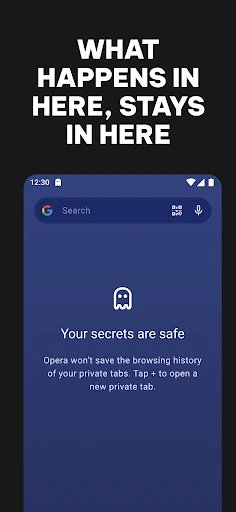
Opera: Private Web Browser is a sophisticated entrant in the mobile Communication and utility landscape, positioning itself as a comprehensive all-in-one privacy suite rather than a simple gateway to the web. By integrating high-tier features like a free VPN and uBlock-powered ad blocking directly into the core experience, it challenges the dominance of more basic, stock browsers. Its authoritative stance on privacy and speed makes it a professional-grade tool for users who refuse to settle for the standard "cookie-cutter" browsing experience.
🔍 Key Features Breakdown
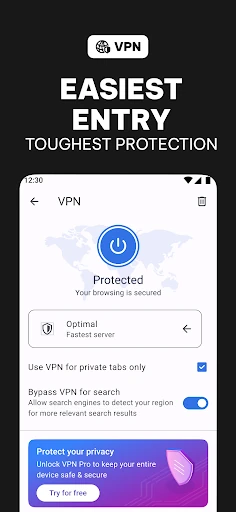
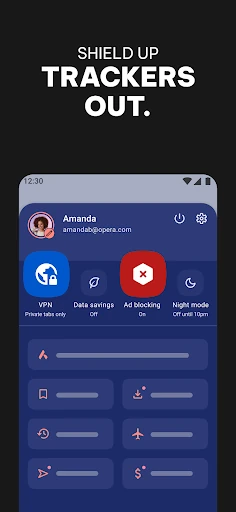
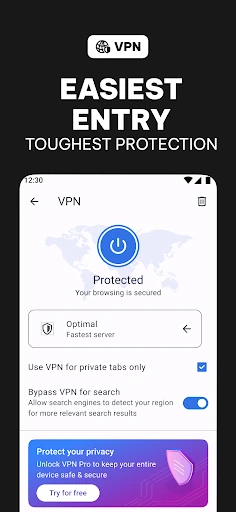
- Free Integrated VPN: Solves the problem of digital footprints and geo-restrictions without requiring a separate subscription or intrusive sign-up process.
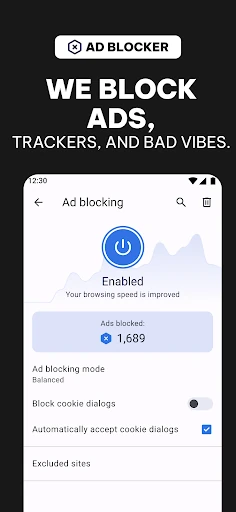
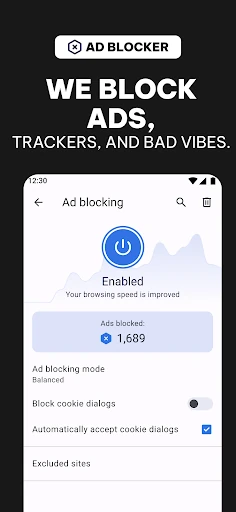
- uBlock Origin-Powered Ad Blocker: Eliminates intrusive advertisements and pop-ups, significantly increasing page load speeds and reducing visual noise.
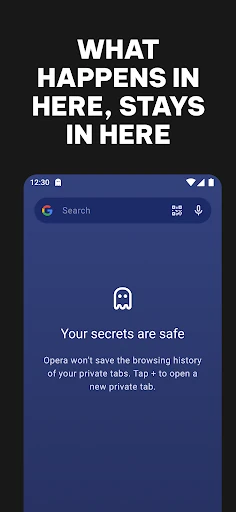
- Tracker Blocker: Prevents third-party scripts from harvesting user data, ensuring that browsing habits remain private and secure from advertisers.
- Intelligent Data Savings: Compresses web pages before they reach the device, allowing users on limited data plans to browse more efficiently without sacrificing quality.
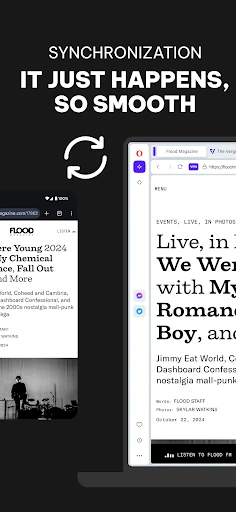
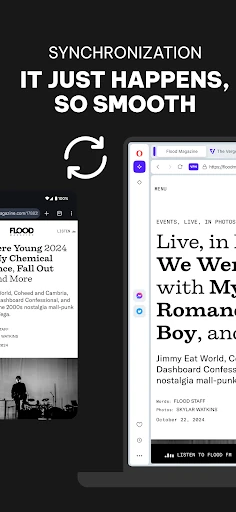
- Cross-Device Synchronization: Bridges the gap between mobile and desktop, ensuring that tabs, bookmarks, and settings are consistently available regardless of the hardware in use.
🎨 User Experience & Design
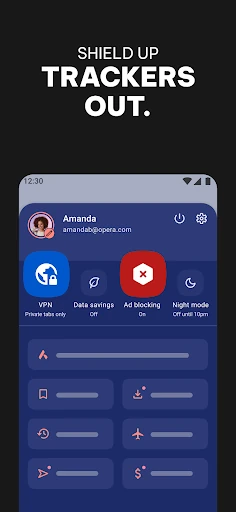
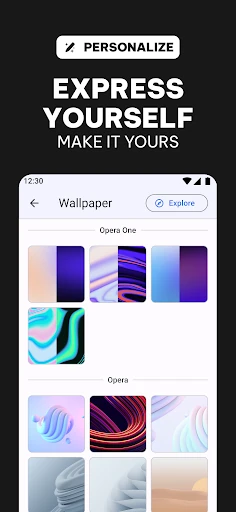
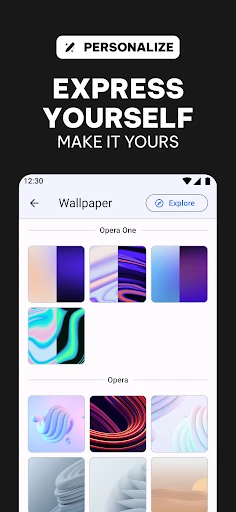
The user interface of Opera is designed with a "power-user" philosophy that remains accessible to the average consumer. In a category often dominated by rigid, minimalist designs, Opera offers "Total Customization," allowing users to adjust themes, wallpapers, and layouts to suit their personal aesthetic. The UX is characterized by its "no-BS" approach—tools are logically placed and easily toggled, reducing the friction typically associated with configuring privacy settings. The inclusion of a native Dark Mode and streamlined navigation bar reflects high standards of modern UI/UX design, prioritizing both eye comfort and one-handed usability.
⚖️ Pros & Cons Analysis
- ✅ The Good: The built-in VPN is truly free with no data caps, providing immediate value without hidden costs.
- ✅ The Good: Exceptional performance in ad-blocking that outperforms standard mobile browser extensions.
- ❌ The Bad: The "VPN Pro" upselling might occasionally interrupt the flow for users who only require basic protection.
- ❌ The Bad: The sheer number of features and customization options may feel overwhelming for users who prefer a stripped-back, "basic" interface.
🛠️ Room for Improvement
To further refine the experience, the developers should consider making the distinction between the free VPN and VPN Pro more transparent within the settings menu to avoid user confusion. Additionally, expanding the "Data Savings" mode to include more granular control over specific media types (like auto-playing videos) could further enhance the browser's utility for users in regions with high data costs.
🏁 Final Conclusion & Recommendation
Opera: Private Web Browser is the definitive choice for privacy-conscious individuals, frequent travelers, and users who demand a high degree of personalization from their digital tools. It effectively moves the needle for what is expected in the Communication category by offering a secure, fast, and highly customizable environment. We highly recommend this browser to anyone looking to move beyond "average" apps and take full control over their mobile internet experience.
You May Also Like