Picsart AI Photo Editor, Video
Top Games











Game Screenshots



Game Introduction
🏆 Expert Verdict & Overview
Picsart AI Photo Editor, Video stands as a titan in the mobile photography landscape, evolving from a simple filter application into a comprehensive, AI-driven creative studio. It successfully bridges the gap between casual photo editing and professional-grade graphic design, offering a versatile suite of tools that cater to the fast-paced demands of modern social media and digital entrepreneurship. Its authoritative presence in the market is defined by its ability to democratize complex design processes, making high-level aesthetic production accessible to everyone from hobbyists to small business owners.
🔍 Key Features Breakdown
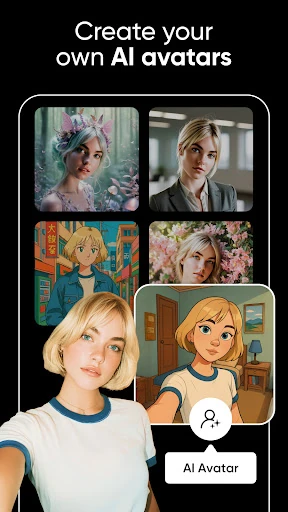
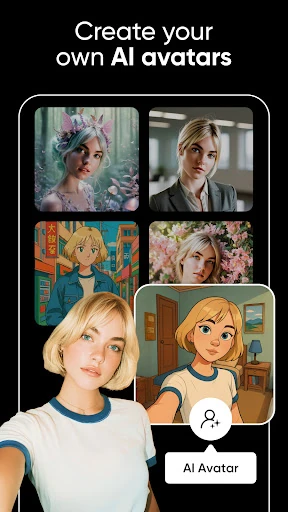
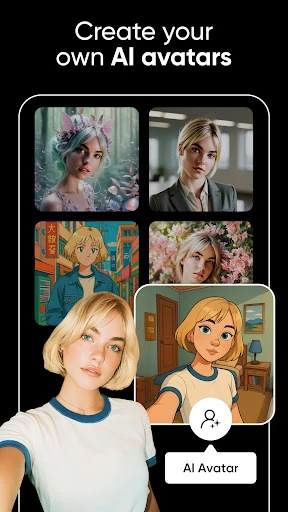
- Generative AI Suite: Tools like the AI Image Generator and AI Expand allow users to create content from scratch or extend backgrounds beyond their original frame, effectively solving the limitations of physical photography.
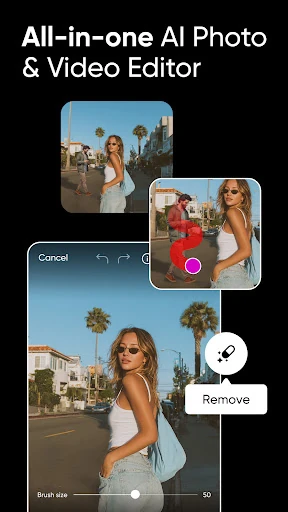
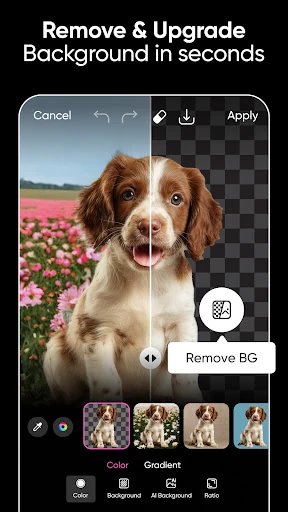
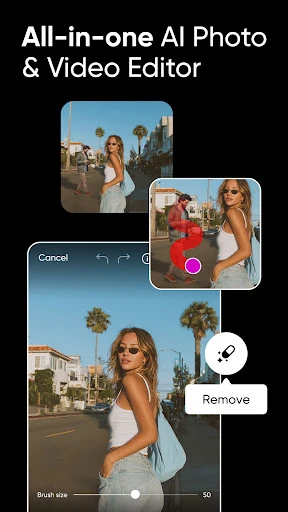
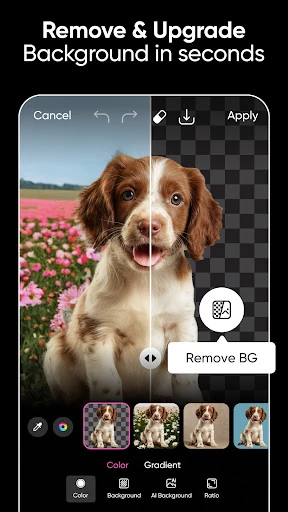
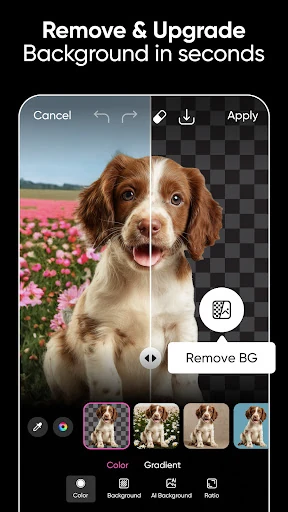
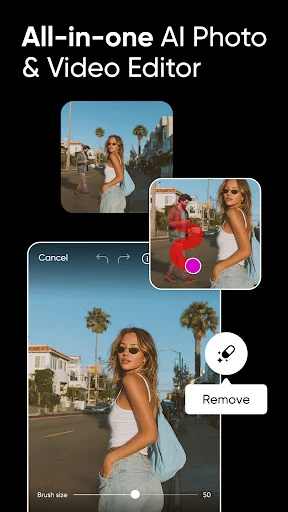
- Intelligent Object Handling: The AI Background Remover and Remove Object tools provide studio-quality isolation and cleanup, allowing solopreneurs to create professional product shots without expensive equipment.
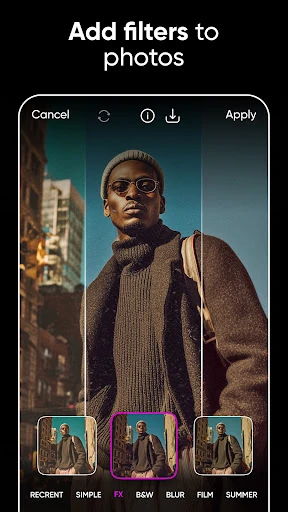
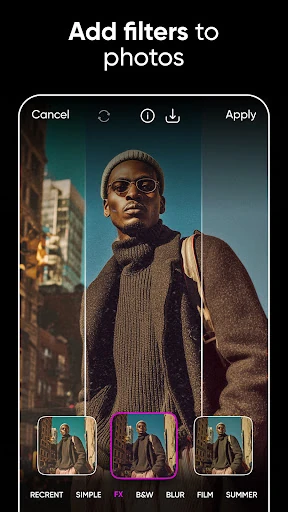
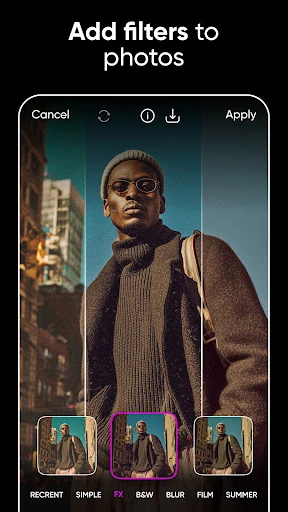
- Multi-Channel Video Editor: By integrating timeline-based video editing with music and trendy filters, Picsart eliminates the need for multiple apps when creating content for TikTok, Reels, or YouTube.
- Expansive Asset Ecosystem: With over 60 million stickers and a massive library of customizable templates, the app solves the "blank canvas" problem for users needing quick, trendy designs.
🎨 User Experience & Design
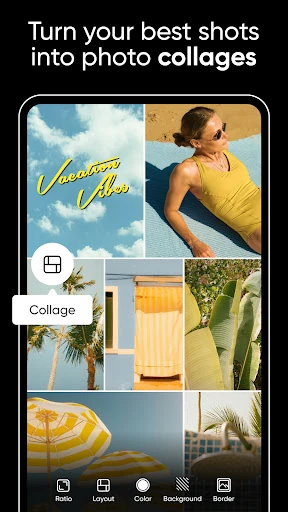
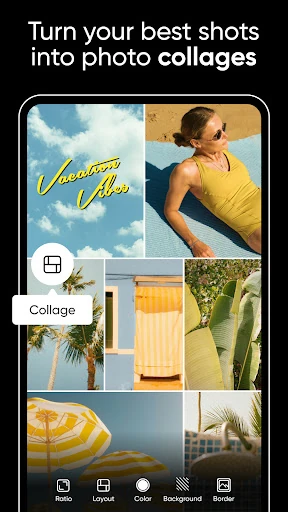
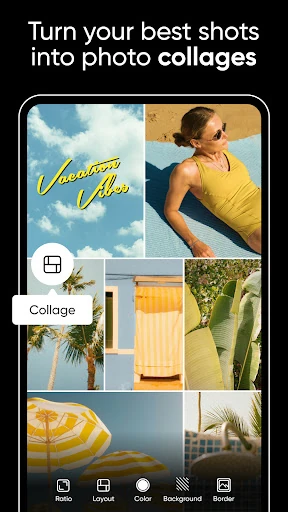
The interface of Picsart adheres to the "depth-first" design philosophy expected in the Photography category, utilizing a horizontal toolbar that houses an immense variety of functions. While the sheer volume of features can create a slight learning curve, the UX design utilizes intuitive iconography and "one-tap" AI solutions to keep the experience fluid. The transition between photo, video, and collage modes is seamless, though the interface can feel densely packed on smaller screen sizes, requiring a degree of precision from the user.
⚖️ Pros & Cons Analysis
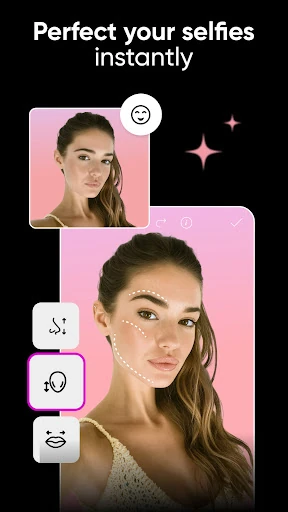
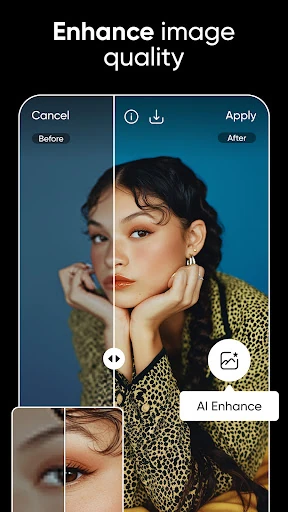
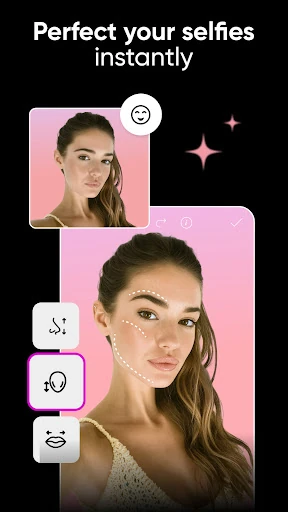
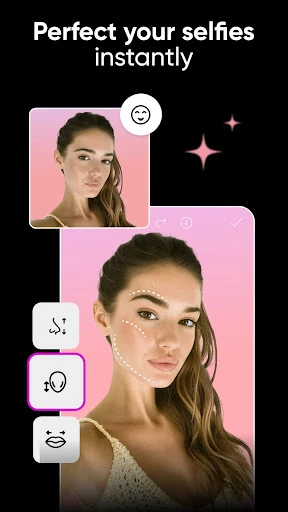
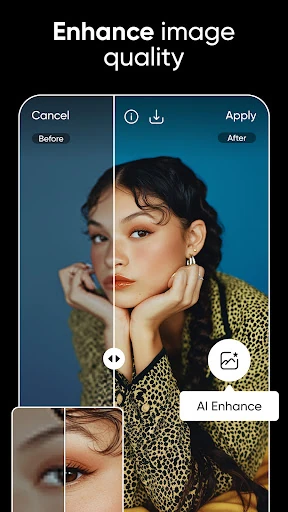
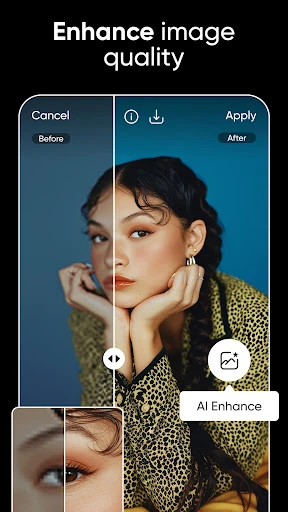
- ✅ The Good: Industry-leading AI integration that simplifies complex tasks like object removal, face swapping, and image upscaling.
- ✅ The Good: An all-in-one creative ecosystem that handles photo, video, and graphic design within a single workflow.
- ❌ The Bad: The freemium model can be intrusive, with frequent prompts and locked features that may frustrate non-paying users.
- ❌ The Bad: Resource-intensive operations can lead to performance lag or device heating on older mobile hardware.
🛠️ Room for Improvement
Future updates should focus on optimizing the app's performance on mid-range devices to ensure a smoother rendering experience for high-resolution video projects. Additionally, introducing a more granular layer-management system would satisfy advanced users who require non-destructive editing workflows similar to desktop professional software.
🏁 Final Conclusion & Recommendation
Picsart is the definitive choice for content creators, social media managers, and digital artists who require a high-velocity, mobile-first creative workflow. It offers a powerful middle ground between basic photo filters and high-end desktop suites. For anyone looking to elevate their digital presence with professional-grade visuals without a steep technical barrier, this app is an essential recommendation.
You May Also Like