Microsoft SwiftKey AI Keyboard
Top Games











Game Screenshots
Game Introduction
🏆 Expert Verdict & Overview
Microsoft SwiftKey AI Keyboard remains a dominant force in the Personalization category, evolving from a pioneer of gesture-based typing into a sophisticated, AI-driven productivity suite. By integrating Microsoft Copilot directly into the interface, SwiftKey transcends the traditional boundaries of a mobile peripheral. It is no longer just a tool for input; it is a contextual assistant that learns user nuances, slang, and habits. Within the current landscape, it stands out as a premier choice for users who demand high-level customization combined with the cutting-edge utility of Large Language Models (LLMs) for text generation and tone adjustment.
🔍 Key Features Breakdown
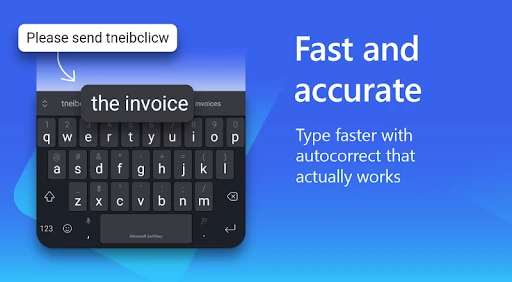
- AI-Powered Predictions & Autocorrect: This core engine utilizes machine learning to adapt to the user's specific vocabulary, reducing typos and significantly increasing typing speed over time.
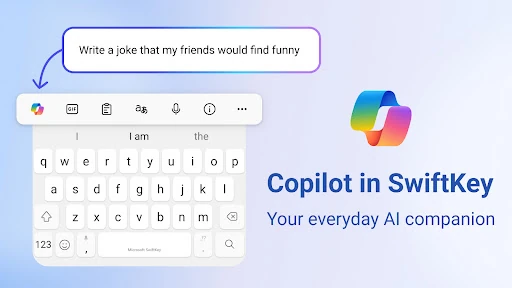
- Integrated Microsoft Copilot: By embedding an AI companion, users can draft emails, ask questions, or summarize content without switching apps, solving the friction of mobile multitasking.
- Tone & Compose Tools: These features allow users to instantly rewrite text in different styles (e.g., professional, casual), ensuring the intended message is conveyed correctly across various social and work contexts.
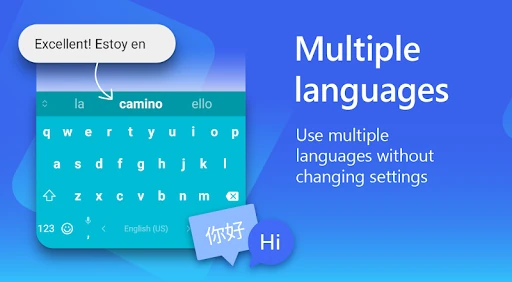
- Multilingual Versatility: Supporting over 700 languages and allowing up to five active simultaneously, it solves the "switching lag" for polyglots and international communicators.
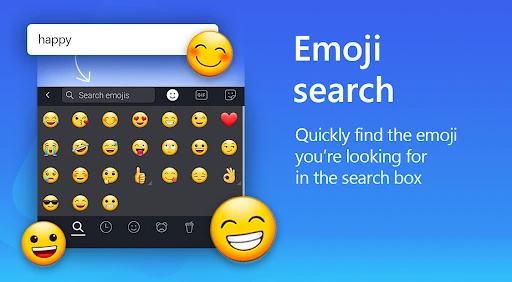
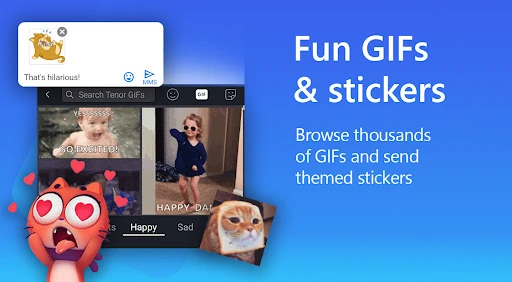
- Rich Content Hub: The adaptive emoji keyboard and AI-powered meme/image generator provide users with expressive tools that go beyond static stickers, catering to modern visual communication needs.
🎨 User Experience & Design
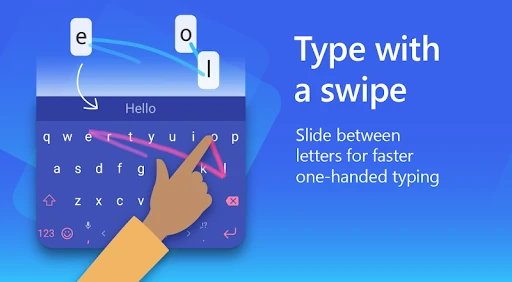
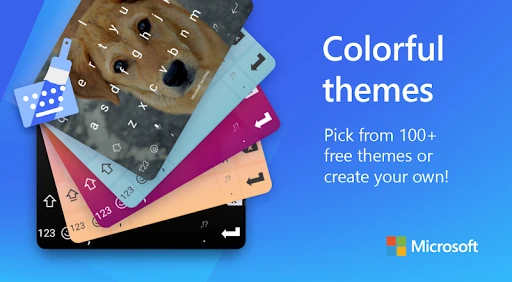
The UI of Microsoft SwiftKey is a benchmark for the Personalization category, balancing a dense feature set with a surprisingly clean layout. The expandable toolbar provides quick access to complex tools—like the AI rewriter and clipboard—without cluttering the primary typing area. From a UX perspective, the "swipe-to-type" haptics are fluid and highly responsive. The design language is highly flexible; users can choose from over 100 themes or create their own, ensuring the keyboard complements the aesthetic of any device. The learning curve is minimal, as the AI works silently in the background, making the experience feel intuitive rather than intrusive.
⚖️ Pros & Cons Analysis
- ✅ The Good: Exceptional predictive accuracy that improves the more you use the application.
- ✅ The Good: Seamless integration of AI tools that genuinely assist in content creation rather than just correcting spelling.
- ❌ The Bad: The sheer number of features can lead to a slightly higher battery and RAM consumption compared to minimalist keyboards.
- ❌ The Bad: The toolbar can feel crowded for users who prefer a simplified, distraction-free typing experience.
🛠️ Room for Improvement
To further refine the experience, Microsoft should consider a "Minimalist Mode" that hides advanced AI features for users who only want a high-performance engine without the extra bells and whistles. Additionally, improving the search functionality within the custom theme gallery would help users navigate the vast library of styles more efficiently. Further optimization of the AI image generator's load times would also enhance the "instant" feel of the keyboard's creative tools.
🏁 Final Conclusion & Recommendation
Microsoft SwiftKey AI Keyboard is the definitive choice for power users, professionals, and multilingual speakers who want their mobile input to be as smart as their smartphone. It is particularly recommended for those who frequently use their devices for work and could benefit from an on-the-fly AI editor. While it may be slightly heavy for low-end hardware, its ability to learn and adapt makes it an essential tool for anyone looking to maximize their mobile productivity and personalization.
You May Also Like