
Video Editor & Maker - InShot
Top Games












Game Screenshots
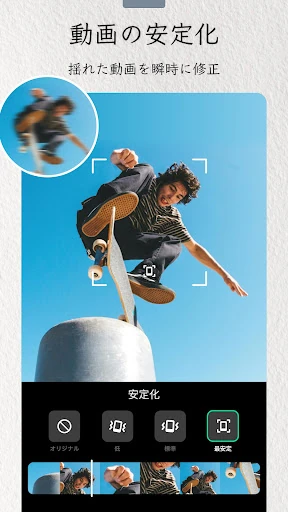
Game Introduction
🏆 Expert Verdict & Overview
Video Editor & Maker - InShot stands as a definitive leader in the mobile Photography and Videography landscape, offering a sophisticated yet accessible toolkit for the modern content creator. It masterfully bridges the gap between casual editing and professional-grade production, providing an all-in-one solution that eliminates the need for multiple specialized apps. By integrating advanced AI-driven features with a robust timeline-based interface, InShot has solidified its position as an essential utility for influencers and hobbyists aiming for high-impact visual storytelling on social platforms.
🔍 Key Features Breakdown
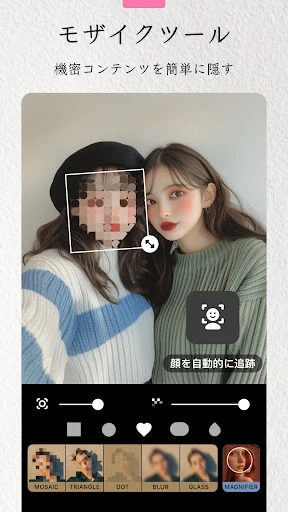
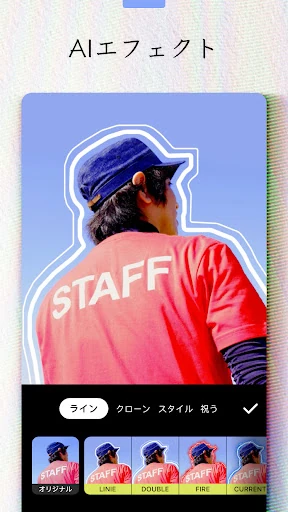
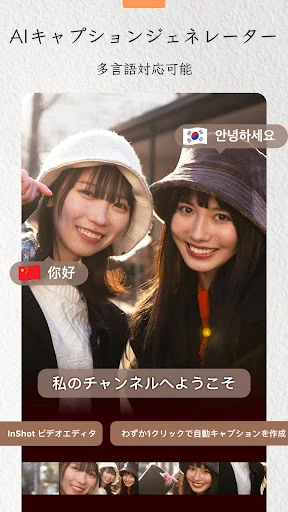
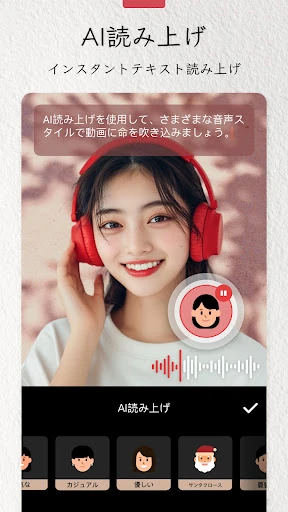
- AI-Powered Automation: Tools like Auto Captions and Smart Tracking solve the tedious problem of manual transcription and frame-by-frame sticker placement, significantly reducing production time.
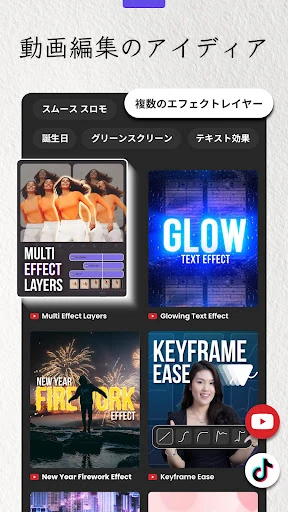
- Professional Layering & Composition: With Picture-in-Picture (PIP), Chroma Key, and Blend modes, users can create complex, multi-layered visual narratives that were previously reserved for desktop software.
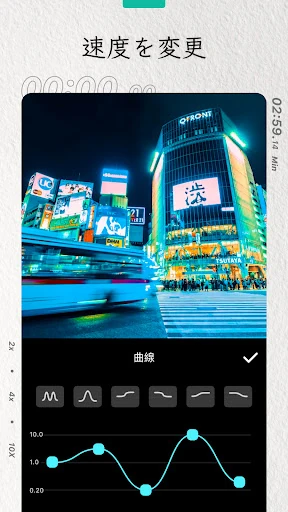
- Cinematic Motion Control: Speed ramping and smooth slow-motion tools allow creators to manipulate time with precision, adding a professional rhythmic flow to vlogs and cinematic clips.
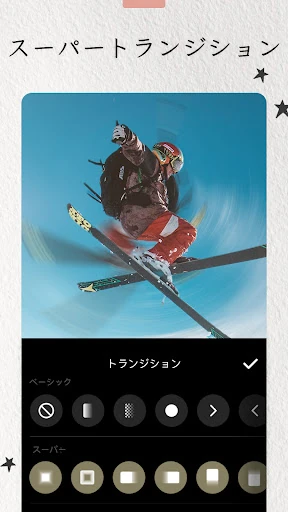
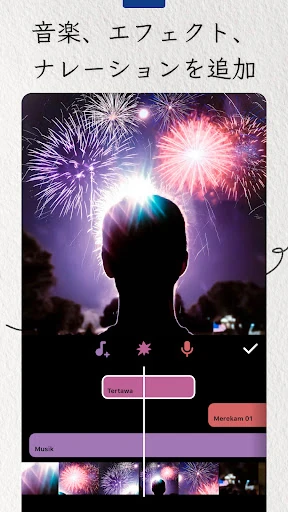
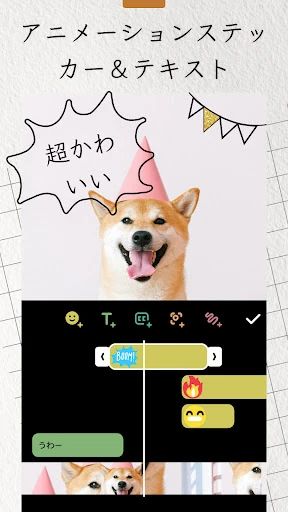
- Comprehensive Asset Library: The inclusion of over 1000 stickers, varied transitions, and an extensive music/SFX library solves the creative block by providing immediate stylistic inspiration.
- Dual-Purpose Engine: Beyond video, the app functions as a high-end photo editor and collage maker, allowing for a cohesive brand aesthetic across static posts and video stories.
🎨 User Experience & Design
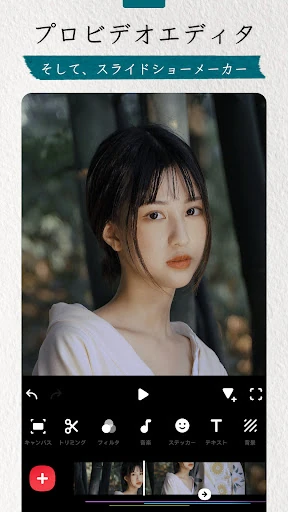
The UI of InShot is a masterclass in functional density, managing to pack a vast array of tools into a mobile-first portrait orientation without feeling cluttered. The UX is guided by an intuitive "bottom-up" hierarchy where the most essential tools—trimming, music, and filters—are always within thumb's reach. For the Photography category, where precision is key, InShot provides responsive sliders and a clear preview window that ensures what you see is exactly what you export. The learning curve is remarkably shallow, allowing beginners to produce a polished video within minutes of their first launch.
⚖️ Pros & Cons Analysis
- ✅ The Good: Supports high-end 4K export at 60fps, ensuring professional output quality for platforms like YouTube and TikTok.
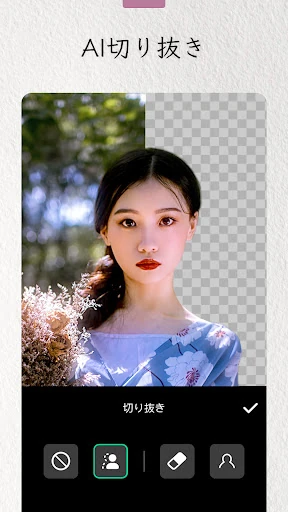
- ✅ The Good: Exceptional AI integration for background removal and body effects that work seamlessly even on complex footage.
- ❌ The Bad: The free version includes watermarks and advertisements which can disrupt the creative workflow for non-premium users.
- ❌ The Bad: Advanced features like keyframe animation and color picking may require a brief period of experimentation to master for those unfamiliar with timeline editing.
🛠️ Room for Improvement
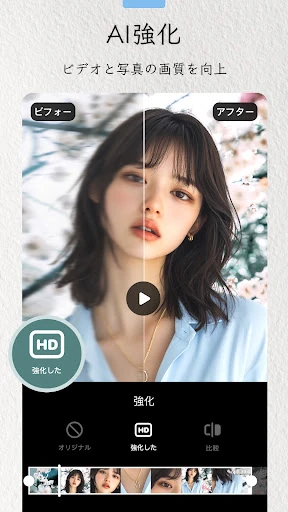
While InShot is highly robust, the addition of a more sophisticated folder management system for imported assets would help power users stay organized. Furthermore, expanding the AI Photo Enhancer to handle batch processing of images within the collage maker would streamline the workflow for creators handling large volumes of content. Finally, adding a real-time collaboration feature or cloud-syncing for project drafts would elevate the app's utility for professional social media teams.
🏁 Final Conclusion & Recommendation
Video Editor & Maker - InShot is the premier choice for aspiring influencers, social media managers, and casual creators who require a powerful, mobile-centric editing suite. It is specifically tailored for those who prioritize speed and style without sacrificing the technical depth needed for high-quality production. Whether you are crafting a 15-second TikTok or a detailed YouTube vlog, InShot is a top-tier recommendation that delivers professional results in the palm of your hand.
You May Also Like