Advertisement

Parallel Space - app cloning
LBE Tech
Play Now
Advertisement
Top Games
Билеты ПДД 2026 и Экзамен ПДД
Google Calendar

Boo: Dating. Friends. Chat.

Word Search Explorer

Urban Company (Prev UrbanClap)

Booking.com: Hotels & Travel
Remini - AI Photo Enhancer

Zedge™ Wallpapers & Ringtones

UC Browser-Safe, Fast, Private

Microsoft SwiftKey AI Keyboard

TP-LINK tpCamera
Google Home
Game Screenshots
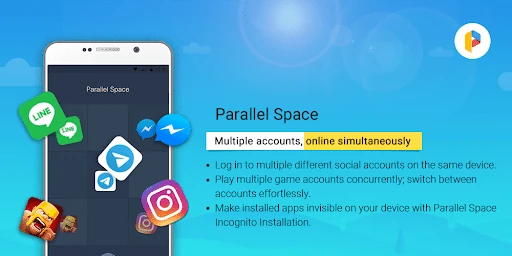
Game Introduction
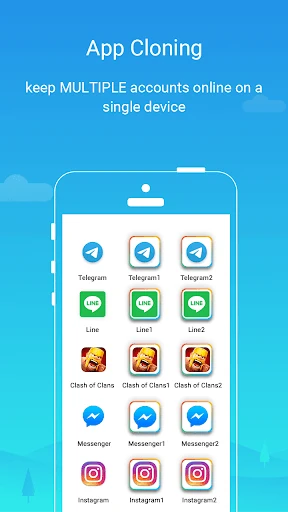
Clone and run multiple accounts of the same app simultaneously with ease using Parallel Space.
As a leading Android tool, it empowers over 200 million users to access multiple accounts on a single device. Enjoy enhanced privacy with the Incognito Installation feature, which makes apps invisible on your device to protect your privacy.
Parallel Space supports 24 languages and is compatible with most Android apps. Manage multiple accounts and safeguard your privacy with Parallel Space!
★ Log in to multiple accounts on one device
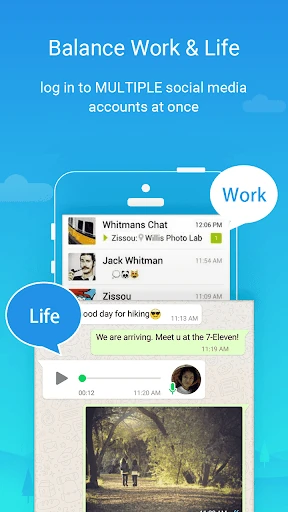
• Maintain separation between personal and work accounts
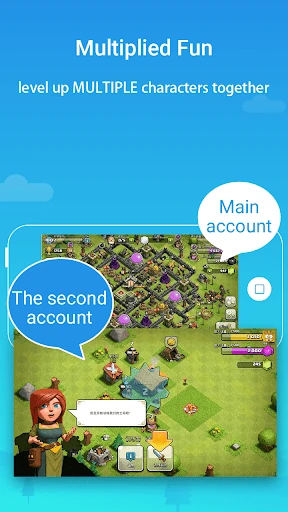
• Explore different game paths and level up multiple accounts simultaneously
• Keep each account's data separate and organized
★ Protect your privacy with hidden apps
• Safeguard sensitive apps in your private space, away from prying eyes
• Enhance privacy with a secure lock feature
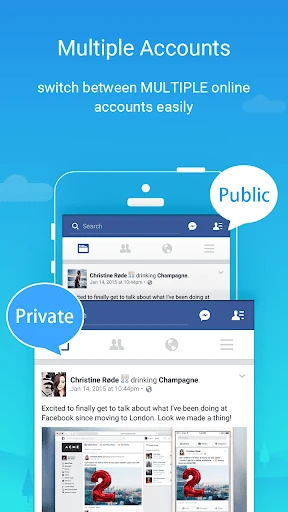
★ Effortlessly switch between accounts
• Run multiple accounts at the same time and switch seamlessly with a single tap
Highlights:
• Powerful, stable, and user-friendly
• Unique: Built on multiDroid, the first application virtualization engine for Android
---
Notes:
• Limitation: Due to policy or technical limitations, some apps are not supported in Parallel Space, such as apps that declare the REQUIRE_SECURE_ENV flag.
• Permissions: Parallel Space requires necessary permissions to ensure the proper functioning of apps added within it. Rest assured that your privacy is our priority, and we do not collect personal information.
• Resource consumption: Most resource usage is attributed to the apps running inside Parallel Space. You can view specific resource usage in the 'Storage' and 'Task Manager' options within Parallel Space settings.
• Notifications: For optimal notification functionality of certain social networking apps within Parallel Space, consider adding Parallel Space to the whitelist or exceptional list of any booster or task management apps.
• Account conflict: For some social networking apps, each account must be associated with a unique mobile number. Ensure the provided number is active for the verification process during setup.
• Pro exclusive: With the free plan, you can run two accounts simultaneously. Unlock the ability to run multiple accounts by upgrading to the Pro plan.
Copyright Notice:
• This app includes software developed by the microG Project.
Copyright © 2017 microG Team
Licensed under the Apache License, Version 2.0.
• Link to the Apache License 2.0: http://www.apache.org/licenses/LICENSE-2.0
You May Also Like
UNO!™
Hero Wars: Alliance

Hidden City: Hidden Object

Idle Miner Tycoon: Gold Games

Manor Matters
Anatomy Learning By Dr. Blanco
Empires & Puzzles: Match-3 RPG

LooksMax AI - Get Your Rating
Hangman
Tiki Solitaire TriPeaks

My Singing Monsters
Canva: AI Photo & Video Editor

IPSY: Personalized Beauty

Golf Clash - Golfing Simulator

Clash of Clans

Alibaba.com - B2B marketplace

myVEGAS Slots - Real Rewards

Stickman Party 234 MiniGames