
Amazon Alexa
Top Games












Game Screenshots




Game Introduction
🏆 Expert Verdict & Overview
Amazon Alexa serves as the definitive command center for the modern smart home, positioning itself as a cornerstone of the Lifestyle category. Far beyond a simple utility for device configuration, the app acts as a sophisticated bridge between physical hardware and digital services. Its primary strength lies in its ability to centralize fragmented smart home technologies into a cohesive, voice-activated ecosystem. By leveraging machine learning to adapt to user patterns, Alexa transitions from a reactive tool into a proactive personal assistant, setting a high benchmark for utility-driven lifestyle applications.
🔍 Key Features Breakdown
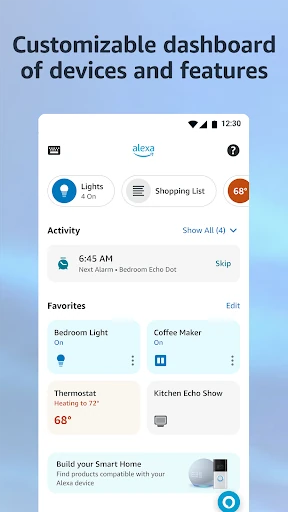
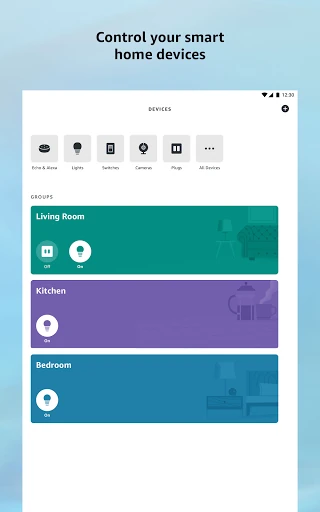
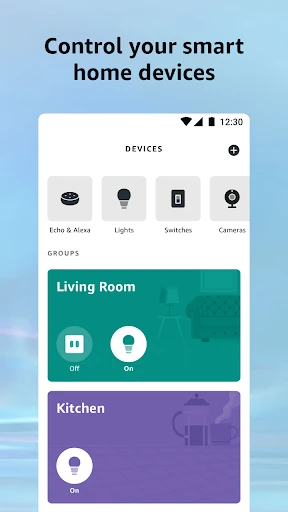
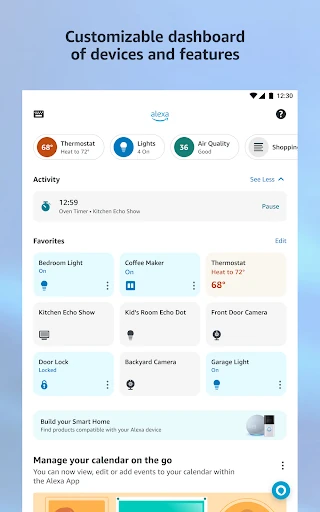
- Unified Device Management: Provides a centralized interface to configure and control smart lights, locks, and thermostats, eliminating the need for multiple proprietary manufacturer apps.
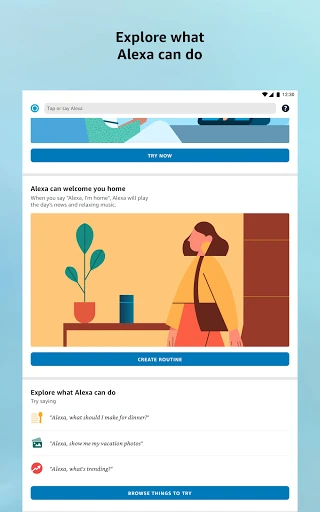
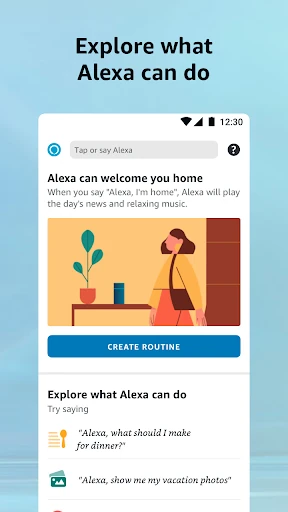
- Smart Home Routines: Allows users to automate complex sequences of actions with a single command or trigger, solving the problem of repetitive manual tasks.
- Multi-Room Media Control: Synchronizes music and audiobooks across various Echo devices and speaker groups, ensuring a seamless entertainment experience throughout the home.
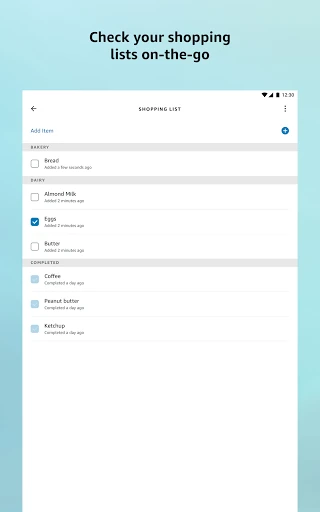
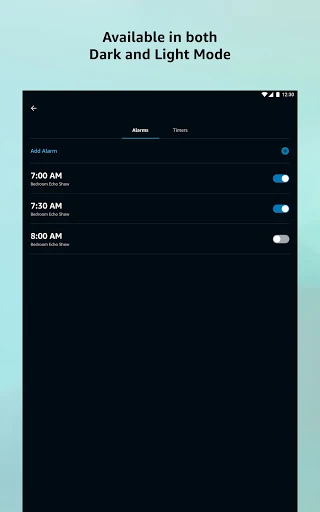
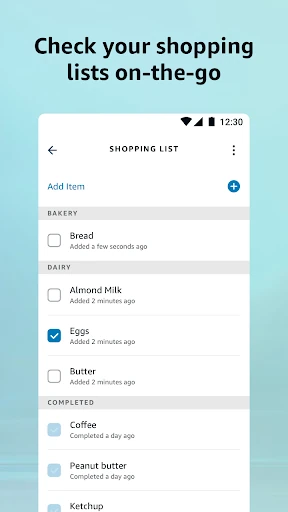
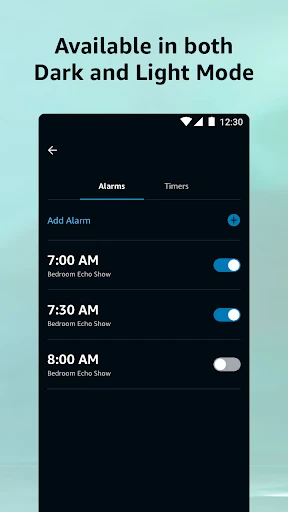
- Dynamic Organization Tools: Integrates shopping lists, to-dos, and alarms that sync in real-time between the app and voice-enabled devices, keeping users productive while on the move.
- Communication Hub: Features like "Drop In" and free calling transform Echo hardware into a comprehensive home intercom system, simplifying household communication.
🎨 User Experience & Design
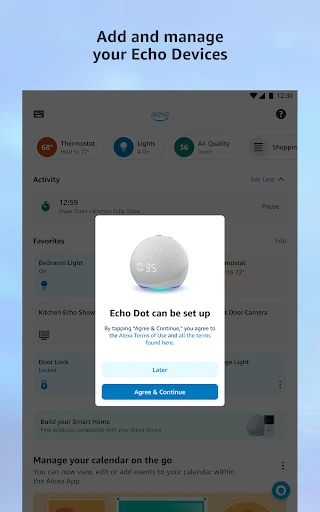
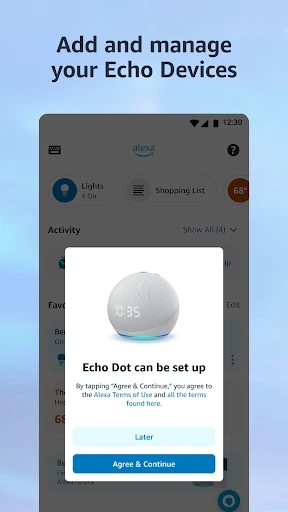
The interface follows a modular design philosophy, utilizing a personalized home feed that surfaces "recently played" media and active lists to reduce navigation time. In the context of the Lifestyle category, the UI succeeds by balancing a massive feature set with a relatively clean aesthetic. The setup wizards are particularly well-designed, using step-by-step visual cues to lower the technical barrier for new users. However, as the ecosystem grows, the depth of the sub-menus can occasionally lead to "menu fatigue," where specific settings are buried several layers deep.
⚖️ Pros & Cons Analysis
- ✅ The Good: Unrivaled ecosystem integration with third-party smart home brands and services.
- ✅ The Good: Highly sophisticated automation engine (Routines) that is both powerful and easy to set up.
- ❌ The Bad: The app can occasionally feel sluggish or heavy, especially when loading the device status page.
- ❌ The Bad: The "Skills" marketplace can be difficult to navigate, making discovery of new features feel cluttered.
🛠️ Room for Improvement
To further refine the user experience, the next update should focus on optimizing the "Smart Home" tab for faster responsiveness, as users often experience a slight delay when manual control is needed. Additionally, implementing a more robust search or filtering system for the "Skills and Games" section would greatly enhance feature discoverability and user engagement.
🏁 Final Conclusion & Recommendation
Amazon Alexa is a mandatory installation for anyone owning an Echo device or building a smart home. It is best suited for tech-savvy households and busy individuals who want to streamline their daily routines through automation. While the sheer density of features can be overwhelming for some, its ability to unify the digital and physical home environment makes it an indispensable tool in the modern lifestyle landscape.
You May Also Like